Business.com aims to help business owners make informed decisions to support and grow their companies. We research and recommend products and services suitable for various business types, investing thousands of hours each year in this process.
As a business, we need to generate revenue to sustain our content. We have financial relationships with some companies we cover, earning commissions when readers purchase from our partners or share information about their needs. These relationships do not dictate our advice and recommendations. Our editorial team independently evaluates and recommends products and services based on their research and expertise. Learn more about our process and partners here.
Forget all the hype and doom — here’s what you can actually expect when it comes to using AI for accounting in your business.


This article is sponsored by Intuit.
Every accounting tool now advertises artificial intelligence. Every other headline predicts that AI will either revolutionize finance or replace the people who do it. For a small business owner or finance manager trying to make a practical decision, the result is mostly noise that makes it hard to tell which claims describe software you can actually use this quarter.
This guide eschews both hype and doom to offer an explanation on how you can actually use AI to support your business’s accounting needs today. AI has become a genuinely capable assistant for a specific set of mechanical tasks, and it works best when a human stays in the decision seat.
Part of the confusion is linguistic. “AI” has become a label applied to nearly everything, from basic rules-based automation that’s existed for years to genuine machine learning that adapts to your data. When every product uses the same word for very different things, entrepreneurs reasonably struggle to tell what’s actually new.
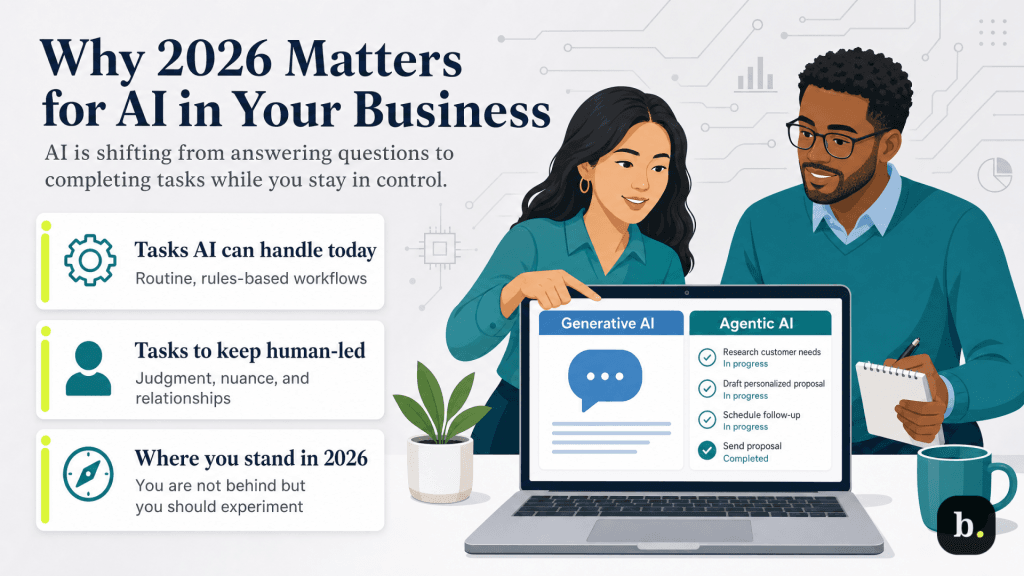
Underneath the noise, though, there is a real shift worth understanding. The meaningful change is the move from “generative AI”, or tools that respond when you ask them something, to “agentic AI”, which completes defined tasks on your behalf and surfaces the results for your approval. That’s the big shift we’ve seen in 2026, to where software that doesn’t just answer questions but does pieces of the work while leaving you in control of what gets finalized.
The adoption data shows AI usage is becoming more common, but it’s far from the standard. Intuit’s 2025 Accountant Technology Survey found that 46% of accountants now use AI daily, compared with 28% of small businesses, a gap that tells an SMB owner they’re neither dangerously behind nor obligated to rush. The useful question is which specific tasks can you reasonably hand off to AI today, and which should you keep firmly in human hands?
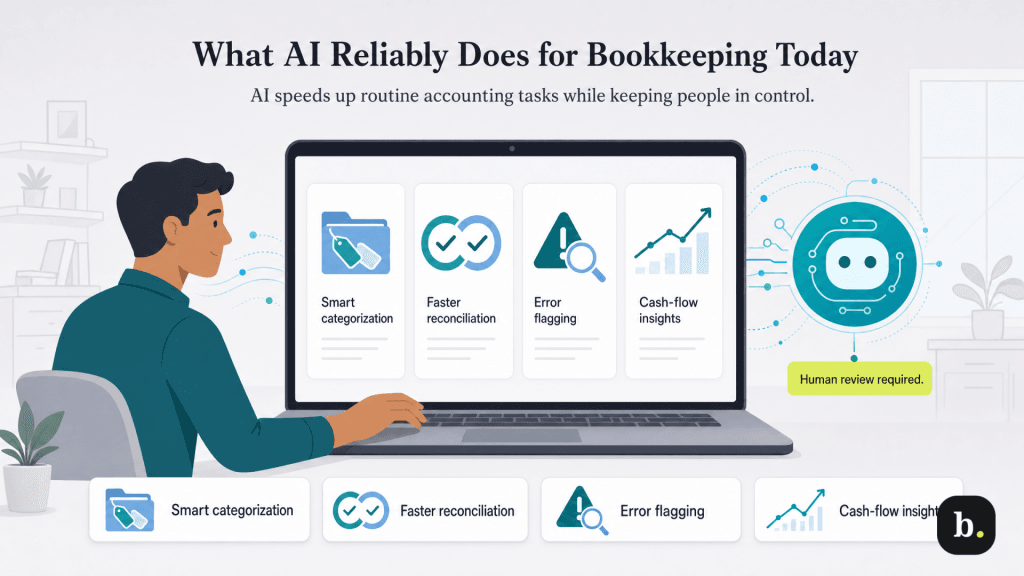
Four capabilities have matured to the point of being genuinely dependable for everyday bookkeeping. We’ll use QuickBooks Advanced, which offers AI agents that support these functions, as an example of how each works.
Rather than relying on rigid rules, AI suggests categories by learning from your history, including vendor names, transaction descriptions, amounts and how you’ve categorized similar items before — and it gets better the more it sees. QuickBooks’ AI-powered bank feed suggests categories with transparent explanations of its reasoning, and the Accounting Agent batches “ready to post” transactions for one-click approval. Intuit reports that 77% of customers find category predictions more accurate with the new bank feed, and 74% spend less time posting transactions.
Reconciliation is the classic time sink AI is well-suited to compress. The Accounting Agent performs a three-way match – comparing an uploaded PDF statement against your bank-feed data and the entries already in QuickBooks – to flag discrepancies and suggest fixes. Intuit cites reconciliation running nearly three times faster for customers using AI-powered reconciliation versus those who aren’t.
AI is good at noticing what’s out of pattern. QuickBooks’ anomaly detection flags significant period-over-period changes on reports like the profit and loss statement and balance sheet, surfaces an explanation of why something was flagged and guides you toward a fix, but leaves the decision to you. It functions like an extra set of eyes on the financials, catching errors before they compound rather than after they’ve propagated through a quarter’s books.
Finally, AI turns historical data into forward-looking projections and readable summaries. QuickBooks’ Finance Agent delivers monthly, board-ready performance summaries, KPI analysis and scenario planning in a single dashboard, so the story behind the numbers is legible without manually building reports.
The hype around AI sometimes implies the technology can already do more than it can. So here’s the honest other half of the picture: several things that get lumped into “AI will run your books” remain out of reach today.
Reliable today | Still aspirational |
|---|---|
Suggesting transaction categories from your history | Fully autonomous books with no human review |
Matching bank feeds and speeding reconciliation | Nuanced tax treatment and complex revenue recognition |
Flagging anomalies and unusual transactions for review | Interpreting intent or context on novel transactions |
Generating cash-flow forecasts and plain-language summaries | Deciding what to do about what the numbers show |
Fully autonomous books with no human review are not here. Accuracy on routine, high-volume transactions is strong, but novel or ambiguous transactions still require judgment, which is why well-designed systems escalate uncertain items to a human rather than guessing. Complex judgment calls, such as nuanced tax treatment or unusual revenue recognition, sit firmly outside what today’s tools handle reliably, because they depend on interpreting intent and context rather than matching patterns.
Strategic decisions are the clearest dividing line. Surfacing the pattern is mechanical, but deciding what to do about it is the human work. For example, AI can surmise that cash flow tightens every March or that a customer segment is shrinking, but it cannot decide whether to cut costs, raise prices or ride it out.
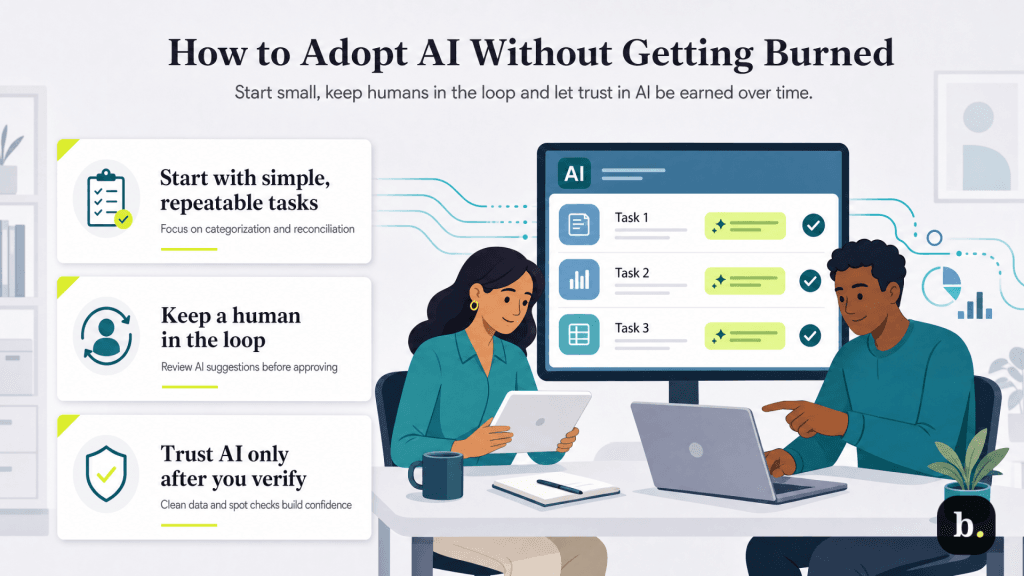
For business owners interested in AI, the most common question is how to start using it. A few principles keep adoption productive and low-risk:
AI in accounting is real, useful and time-saving today for a specific and well-defined set of mechanical tasks, like categorization, reconciliation, anomaly detection and forecasting. The technology is a complement to human judgment rather than a substitute for it. Used well, the realistic 2026 expectation is meaningful hours returned from bookkeeping busywork and reinvested in the judgment and strategy that actually move a business forward.
For owners ready to put these capabilities to work, it’s worth exploring how QuickBooks Advanced’s Intuit Assist suite (which includes the Accounting Agent, Finance Agent and AI-powered reconciliation) handles the routine so your team can focus on the decisions that don’t belong to a machine.
