Business.com aims to help business owners make informed decisions to support and grow their companies. We research and recommend products and services suitable for various business types, investing thousands of hours each year in this process.
As a business, we need to generate revenue to sustain our content. We have financial relationships with some companies we cover, earning commissions when readers purchase from our partners or share information about their needs. These relationships do not dictate our advice and recommendations. Our editorial team independently evaluates and recommends products and services based on their research and expertise. Learn more about our process and partners here.
The accounting system that works for 10 employees may fail at 50. Here’s how to choose software that grows with your business without expensive replacements.


This article is sponsored by Intuit.
Every growing business eventually faces the same uncomfortable realization: the accounting software that worked perfectly at launch is now slowing everything down. Reports take too long to pull, month-end close stretches over weeks and the finance team is spending more time building workarounds in spreadsheets than actually analyzing data.
Migrating accounting systems mid-growth disrupts workflows, introduces data integrity risks and can take three to six months or longer to complete, depending on complexity. Even smaller-scale accounting migrations are costly when factoring in data cleanup, retraining and lost productivity during the transition.
The smarter approach is to evaluate accounting software for scalability from day one. This guide walks you through how to identify when your current system is reaching its limits, what to look for in software that can grow alongside your business and how to make a confident, cost-effective decision, whether you’re a startup planning ahead or a mid-market company actively outgrowing your current tools.
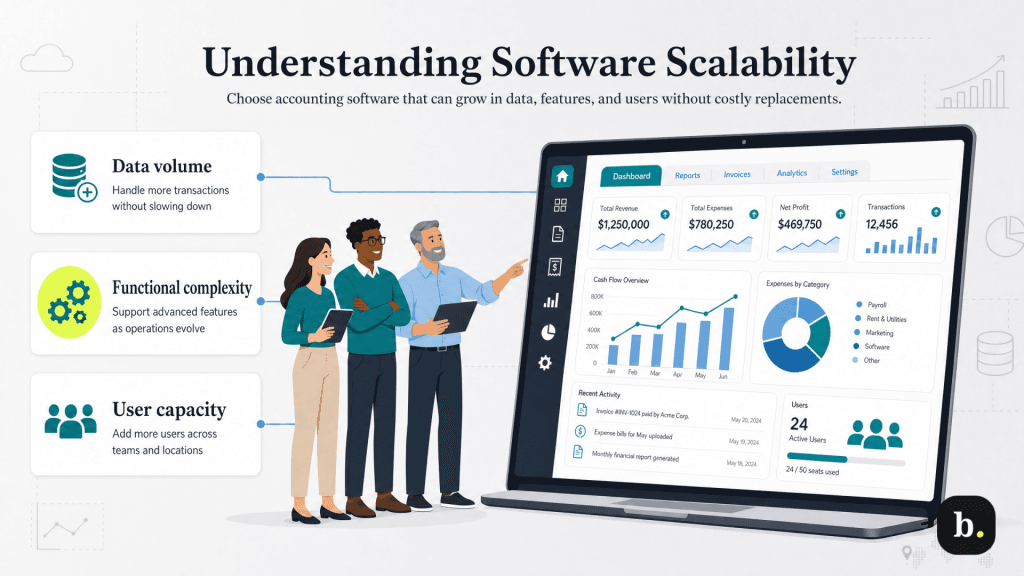
When software vendors describe their products as “scalable,” they typically mean the system can handle increasing demands without requiring replacement. But scalability in accounting software isn’t just about handling more transactions. It operates along three distinct dimensions:
Many business owners default to a “we’ll upgrade when we need to” mindset, but that thinking is expensive. Each system replacement introduces hard costs (implementation, licensing, consulting) and soft costs (productivity loss, retraining, process redesign). Choosing software that’s right-sized for today with genuine room to grow is the most cost-effective strategy, even if the upfront investment is slightly higher than the most basic option available.
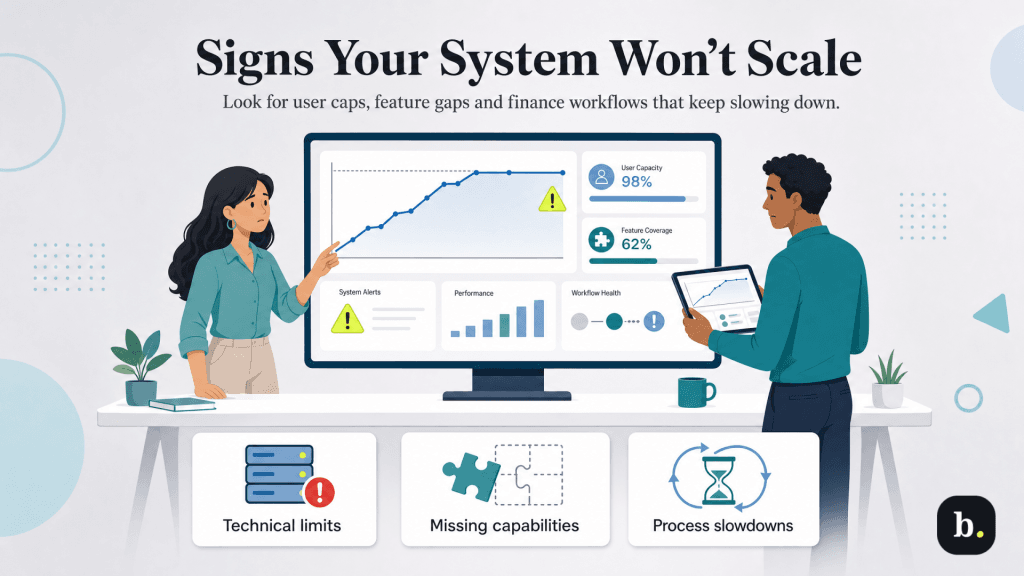
The first warning signs are often technical. You may notice that your system caps the number of simultaneous users or that performance degrades noticeably as more team members log in. Transaction processing slows during high-volume periods, such as month-end or billing cycles. The platform may only support a single legal entity, making it impossible to manage subsidiaries, franchises or new business lines within the same system. And as you adopt more tools, like CRM platforms, e-commerce systems and payroll services, the lack of a robust API makes integration difficult or impossible.
As businesses expand, their accounting needs become more complex. A system that worked for domestic sales falls short when you begin selling internationally and need multi-currency support. Growing product lines require advanced inventory management with features like lot tracking, serial numbers and multi-location warehousing. More sophisticated organizational structures demand approval workflows, role-based permissions and multi-entity consolidation reporting that basic accounting platforms simply don’t offer.
Perhaps the most telling sign is operational friction. When your finance team relies on a growing number of spreadsheet workarounds to compensate for system limitations, that’s a red flag. If your month-end close takes longer each quarter, if real-time financial questions require hours of manual data pulling or if your team spends more time managing the system than managing the business, your accounting software has become the bottleneck, not the enabler.
Start by understanding a platform’s capacity limits. Some systems offer unlimited users, while others use tiered pricing that becomes expensive at scale. Per-user pricing models can significantly inflate total costs as your team grows, so it’s important to model the cost trajectory over three to five years, not just what you’ll pay today.
Multi-entity support is equally critical. If you anticipate opening new locations, forming subsidiaries or acquiring businesses, your accounting software needs to manage multiple companies within a single platform and produce consolidated financial reports. Intuit Enterprise Suite, for example, was purpose-built for multi-entity management and allows businesses to consolidate financials across entities in a single view, an area where standard QuickBooks editions have hard limitations.
Ask vendors specifically how many transactions per month their system handles without degradation. Request details on how existing clients at your target scale experience the platform day-to-day. Understand the system’s data retention policies: does it archive historical data seamlessly, or does it require periodic purging to maintain performance? Storage limits and associated costs can add up quickly for data-intensive businesses.
Evaluate whether the software offers the specific capabilities your business is likely to need as it matures. Advanced inventory management (lot tracking, multi-location, serial numbers), project accounting and job costing, multi-currency support and manufacturing or distribution modules are common growth-stage requirements. A key decision point is whether you need a full ERP system or an enhanced accounting platform with targeted capabilities. Not every business needs an ERP’s breadth, and overpaying for unused features is its own form of waste.
Modern businesses run on interconnected software. Your accounting platform needs a robust API and a healthy ecosystem of pre-built integrations with common tools: CRM systems, e-commerce platforms, payroll providers, and industry-specific applications. Workflow automation capabilities—such as automated approval chains, recurring journal entries, and invoice reminders—reduce manual effort and minimize errors as transaction volume scales.
Annual Revenue | Startup Phase — <$1M | Growth Phase — $1M – $10M | Expansion Phase — >$10M |
|---|---|---|---|
Top Priorities | Simplicity and affordability | Managing increasing operational complexity | Full ERP capabilities |
Typical Solutions | QuickBooks Online, Xero, FreshBooks | Intuit Enterprise Suite, Sage Intacct, NetSuite | NetSuite, Microsoft Dynamics 365, Sage Intacct |
Core Capabilities Needed | Invoicing, expense tracking, bank reconciliation, basic financial reports | Multi-entity management, dedicated finance team support, advanced reporting | Multi-entity/multi-currency management, advanced analytics, real-time reporting |
Key Considerations | If already managing multiple revenue streams or inventory, evaluate mid-market options sooner | IES suits service-based and multi-entity businesses moving beyond QuickBooks at lower cost than full ERP; choice depends on growth type | Industry-specific needs (manufacturing, distribution, global ops) drive platform selection; dedicated implementation resources justified |
When to Move On | Planning a second entity or adding significant complexity within 12–18 months | Operational demands exceed mid-market capabilities | N/A — enterprise-grade platforms scale with the business |
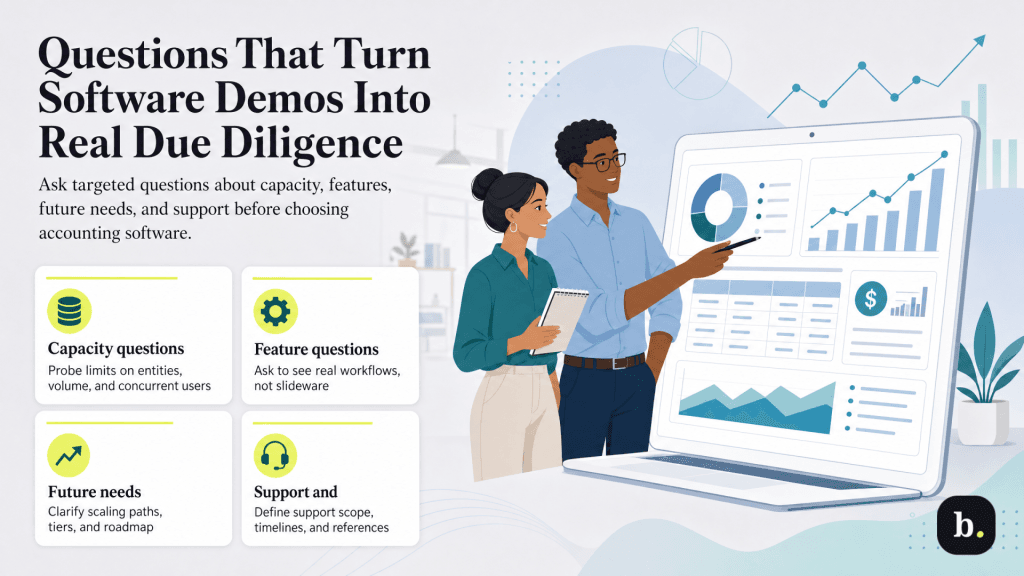
When evaluating accounting software vendors, the quality of your questions determines the quality of the information you receive. Here are the questions that separate superficial demos from genuine due diligence.
Start by separating must-have features from nice-to-haves. Then layer in your three-year growth projection: what will you need as you add locations, entities, users or operational complexity? Weight each requirement by importance and score competing platforms against the same criteria. This structured approach removes gut-feel bias and gives decision-makers a defensible rationale for the final choice.
Talk to current customers—ideally both at your current size and at your target size. Ask about pain points, not just successes. Specifically ask whether the implementation came in on time and on budget, how responsive support has been and what they’d do differently. Vendors will supply their happiest customers as references; ask for at least one customer who experienced challenges and how the vendor responded.
Test each finalist with real scenarios and actual data. Involve the end users who will work in the system daily, not just decision-makers. Evaluate ease of use across different roles (accountant, controller, AP clerk), and stress-test the features you’ll rely on most heavily: reporting, integrations, and multi-entity workflows.
Construct a three-to-five-year cost model for each finalist that includes subscription fees, implementation, training, integrations, and projected growth costs. Factor in the opportunity cost of system limitations; the time your team spends on workarounds has a quantifiable price. Calculate return on investment by comparing these costs against efficiency gains, faster close times and reduced error rates.
Choosing scalable accounting software isn’t about predicting exactly where your business will be in five years. It’s about selecting a platform with enough headroom that you won’t be forced into an expensive, disruptive migration when growth arrives.
The most important steps are straightforward: understand where your current system’s limits are, evaluate your three-year growth trajectory, build a requirements matrix that separates current needs from future needs, test finalists with real data and real users, and model total cost of ownership, not just subscription price.
Whatever platform you choose, the key is to start the evaluation before you’ve hit the wall. Plan the transition on your timeline, not your system’s.
