your team or overcomplicating your processes. Whether you’re leading a small startup or managing an established company, improving productivity can help you save time, reduce costs and keep operations running smoothly. We’ll explore five practical ways to increase business productivity and help your team work more efficiently while highlighting common productivity killers to avoid.
How to increase productivity
Employees are constantly interrupted during the workday. According to Microsoft’s 2025 Work Trend Index, workers are interrupted every two minutes — up to 275 times a day — by meetings, emails and chats. With that level of disruption, improving productivity starts with cutting down distractions, simplifying workflows and giving employees the tools they need to stay focused.
The following strategies can help you create a more efficient, focused work environment.
1. Use automation software to boost productivity.
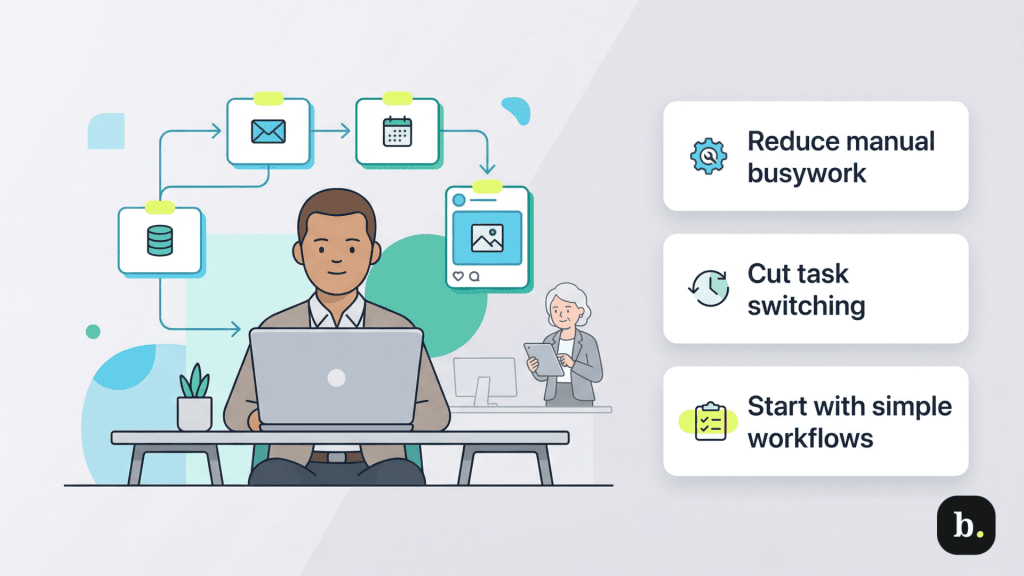
Manual processes, like handling paper forms or re-entering data across systems, can drain time and slow down your team. Workflow automation tools help reduce that burden by handling routine tasks and improving accuracy.
For example, automated email responses, data extraction tools, scheduling software and social media marketing management platforms can take repetitive work off employees’ plates. Fewer manual tasks mean fewer interruptions and less back-and-forth between small assignments throughout the day.
This is important because, over time, that constant switching adds up. Research published in Cognition shows that task switching slows performance and carries a steep cognitive cost (people take longer to complete tasks and make more errors), leading them to avoid it whenever possible.
Implementation tip: Employees may resist new systems at first. To ease automation software and platform adoption, involve them in the selection process, provide training and start by automating simple tasks before expanding to more complex workflows.
According to
McKinsey Global Institute, up to 30 percent of current work hours could be automated by 2030, driven in part by generative AI.
2. Offer flexible work options.
Employees tend to be more productive when they have some control over how and when they work. Flexible scheduling, remote or hybrid options and generous PTO policies can help employees manage their time more effectively and stay engaged throughout the day.
Flexibility has also become a baseline expectation for many workers. According to WorkWhile’s Flex Work Nation report, 77 percent of workers see flexible schedules as essential, and flexible work now accounts for about 51 percent of workers’ total income on average.
That shift has real implications for productivity. Employees with more control over their schedules are often better able to focus, manage their energy and maintain consistent performance. Flexibility can also reduce workplace absenteeism and employee turnover, helping teams stay stable and productive over time.
For many businesses, flexibility doesn’t have to mean fully remote work. Options like staggered hours, compressed work schedules or hybrid arrangements can provide more control while maintaining coverage.
Implementation tip: Some managers struggle to adapt to flexible or remote teams. To ease the transition, set clear expectations for managing remote teams, use project tracking tools and train leaders to focus on outcomes rather than hours worked.
3. Organize workflows to save time and reduce confusion.
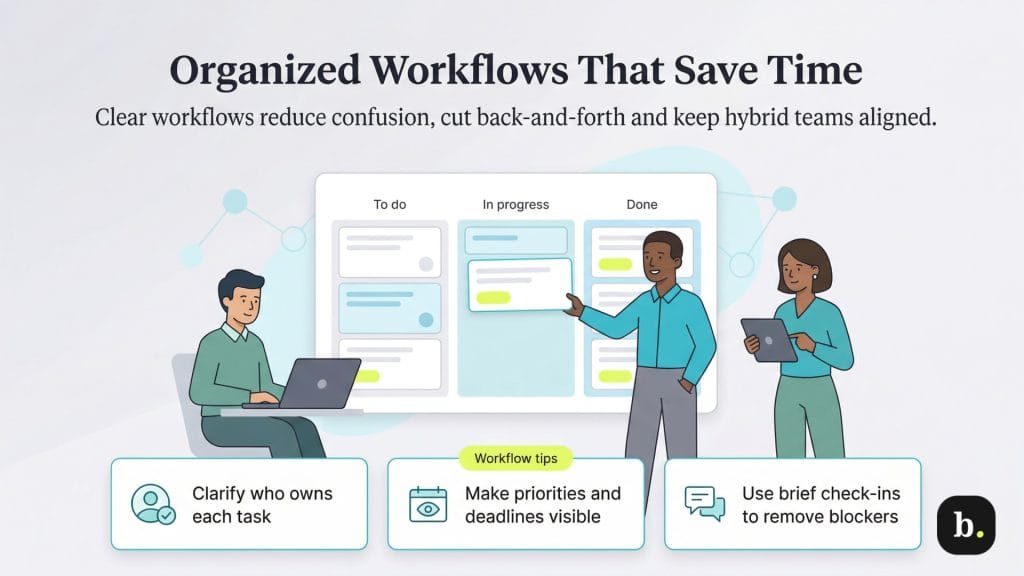
When work isn’t clearly organized, teams spend more time tracking tasks and getting clear about responsibilities than actually getting things done. A simple system for managing workloads and projects can help keep everyone on the same page and reduce that back-and-forth.
For example, teams using project management methodologies like Agile or Scrum often hold brief daily check-ins to review priorities, flag roadblocks and keep projects moving. These quick touchpoints help teams stay coordinated without overloading schedules.
Clear workflows also make a bigger difference when teams are hybrid or remote. When responsibilities, deadlines and priorities are easy to see, there’s less confusion and less duplicated work, which saves time and keeps projects on track.
Over time, stronger workflow organization helps eliminate overlap and reduce the need for constant check-ins and manual coordination.
Implementation tip: New organizational systems can feel cumbersome at first. Roll out changes gradually, communicate the benefits clearly and adjust based on team feedback to help employees adopt new workflows more easily.
4. Invest in professional development.
Team members don’t leave just for more money or flexibility. Many employees quit when they can’t see a clear path forward. The Work Institute’s 2026 Retention Report found that career-related issues remain the top driver of turnover, with nearly one in five employees citing a lack of professional growth, development or advancement opportunities as their reason for leaving.
That’s why offering professional development opportunities is so crucial. These initiatives give team members a sense of direction, not just a list of tasks to complete. Whether it’s cross-training, mentorship or stretch assignments, small opportunities to build new skills can go a long way in keeping employees engaged and invested in their roles.
This doesn’t have to be complicated. Let a team member take on a new responsibility for a trial period, or give employees time to attend a workshop or industry event. What matters most is showing that growth is possible and supported.
Implementation tip: Budget constraints can limit formal training programs. Look for lower-cost options, such as internal mentoring, cross-training or online learning platforms, to support employee development without significantly increasing expenses.
5. Use natural light in your workplace.
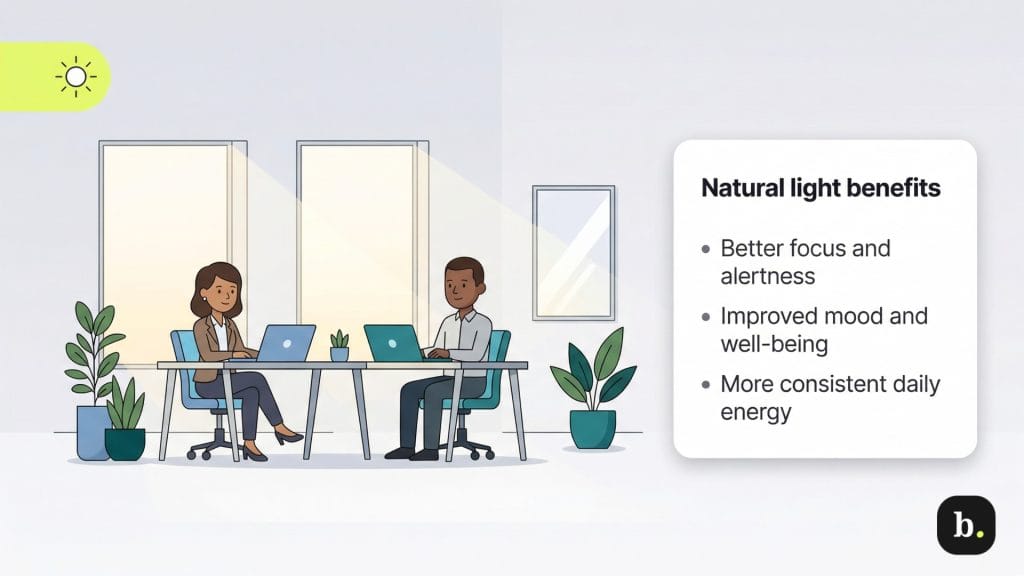
Don’t overlook the impact of your office environment. You may not realize that access to natural light can influence how employees feel and perform throughout the day. In fact, doctors at UCLA have noted that natural light can improve mood and increase feelings of well-being — a small shift that can make the workday feel more manageable.
Consider positioning desks near windows and removing barriers that block sunlight where possible. Even small changes can shift how alert and focused employees feel, and that tends to carry through to how they work. A 2026 study in Communications Psychology found that people exposed to more daytime light tended to react faster, perform better on memory tasks and feel less sleepy in real-world settings, which are all qualities you want in your employees.
Additionally, encourage employees to step outside during breaks when possible, as regular exposure to daylight can help maintain energy levels and support more consistent performance throughout the workday.
Implementation tip: Some office layouts don’t maximize natural light. Try reconfiguring office spaces to take advantage of existing windows, adding mirrors to reflect light and creating shared areas in well-lit parts of the office.
While
lighting affects productivity and mood, not every office has access to natural light sources. If this is the case, consider using bulbs with a warmer hue (yellows and oranges) as opposed to a cooler hue (blues and purples).
Productivity killers to avoid
Just as there are ways to improve productivity, some common workplace patterns and bad habits can slow teams down. Here are a few to look out for:
Too many meetings
Well-run meetings can help teams get on the same page and move work forward. But when calendars fill up with back-to-back or unnecessary meetings, employees have less time to focus on their actual work.
Reducing meeting overload is one of the simplest ways to improve productivity. Here are a few ways to cut back:
- Invite only essential participants: Think carefully about who actually needs to be in the meeting room. Not every discussion requires the full team’s presence, and pulling in extra people often slows things down during and after the meeting.
- Replace meetings with quick updates when possible: If something can be resolved in a short message or email, it probably doesn’t need a meeting.
- Use agendas to stay on track: Clear goals and a shared agenda help keep meetings focused and prevent them from dragging on.
Productivity-killing meetings can quietly drain time from the work that matters most. Being more selective about when and how you meet helps your team stay focused and productive.
Social media distractions
Most workers are familiar with the pull of a quick scroll that turns into 20 minutes lost. Social media platforms, including X (formerly Twitter), Facebook, Instagram and TikTok, can be powerful business tools, but they’re also designed to capture attention. Left unchecked, they can quietly eat away at your team’s productive hours.
Set clear expectations for how and when social media should be used during the workday. Some businesses limit access on company networks, while others create acceptable usage policies that allow for reasonable use without letting it interfere with work.
If social media use is becoming a bigger issue, employee monitoring tools can help restrict access during certain hours. In many cases, though, simply explaining how these distractions affect productivity is enough to shift behavior.
Social media restrictions can feel like micromanagement if they're not handled carefully. Be transparent about why policies are in place and involve employees in setting guidelines that strike a balance between focus and flexibility.
Smartphone distractions
Smartphones are a constant presence during the workday. According to Sensor Tower’s State of Mobile 2025 report, users spend an average of 3.5 hours a day on their smartphones (even more for younger generations), and some of that time inevitably overlaps with work hours.
Reducing distractions starts with awareness. Sharing usage data can help employees recognize how often they’re reaching for their phones. During meetings or focused work periods, simple steps like using do-not-disturb mode can help limit interruptions.
At the same time, allowing some flexibility is crucial. Employees will occasionally need to check their phones for legitimate reasons, including child care concerns. Acknowledging and respecting that, while still setting expectations around focus, helps maintain trust without letting distractions take over.
Noisy co-workers and offices
Focus is hard to maintain in a noisy environment. Conversations, keyboard clatter and other everyday office sounds can quickly pull employees out of their work, especially in open office plans or shared spaces.
Over time, that constant background noise adds up. It can increase productivity-killing stress and make it harder for employees to stay on task.
Here are a few ways to reduce noise-related distractions:
- Create quiet zones for focused work: Designate areas where employees can work without interruptions.
- Use sound-masking tools: Background noise or white noise can help soften sudden disruptions.
- Set quiet hours: Block off parts of the day for heads-down work, especially during peak productivity times.
- Offer noise-canceling headphones: These can be especially helpful for employees who need extended focus.
Kimberlee Leonard contributed to this article.