Business.com aims to help business owners make informed decisions to support and grow their companies. We research and recommend products and services suitable for various business types, investing thousands of hours each year in this process.
As a business, we need to generate revenue to sustain our content. We have financial relationships with some companies we cover, earning commissions when readers purchase from our partners or share information about their needs. These relationships do not dictate our advice and recommendations. Our editorial team independently evaluates and recommends products and services based on their research and expertise. Learn more about our process and partners here.
If you’re finding yourself adding workarounds to your accounting system, it might be time for an upgrade.


This article is sponsored by Intuit.
Most business owners upgrade their accounting software after it’s already cost them. Instead of upgrading at the first sign it’s needed, it’s common for entrepreneurs to take extra steps around their system’s limitations, such as adding a spreadsheet or third-party tool to the mix. By the time the decision to upgrade feels obvious, the workarounds have usually cost more in time than the upgrade would have cost in dollars. Below, we’ll cover the indicators to look for that tell you it’s time to upgrade, as well as what you should consider when looking for a new accounting software.
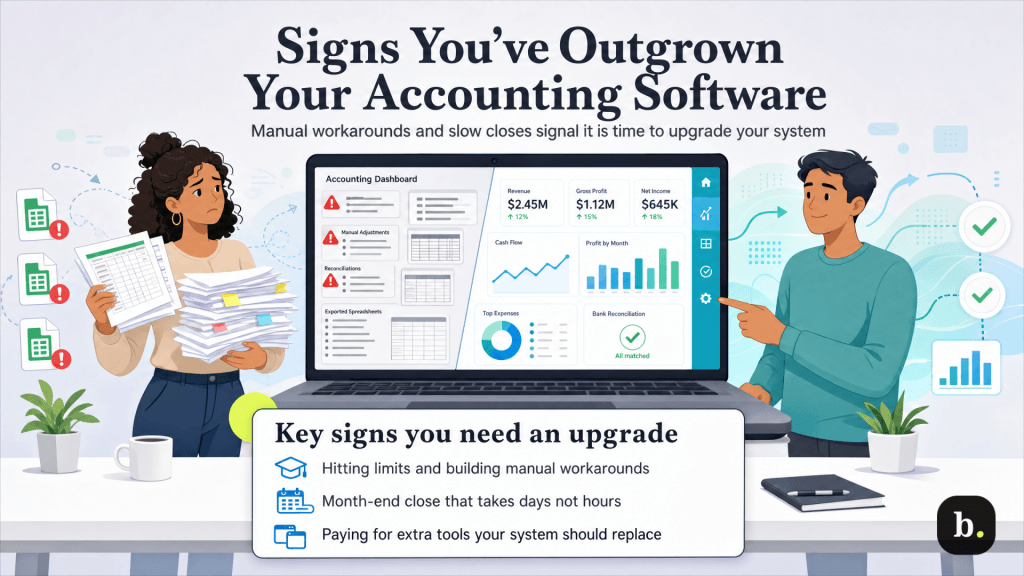
If you can answer “yes” to two or more of the following, it’s likely time to consider upgrading your system.
Generally, if you’re putting manual effort in because there are accounting software features your system doesn’t offer or that are locked behind a higher-priced tier, it’s time to upgrade. That manual effort is costing you money, even if it doesn’t show up in accounts payable.
There are many organic milestones in a business’s ordinary evolution that serve as an opportunity to reevaluate whether your current accounting software is up to the task. Oftentimes, the answer might be “yes, the current system is working”, but taking the time to review at each of the following opportunities could prevent you from wasting time and energy on costly workarounds later.
As your headcount expands, so do your requirements of your accounting software.
When there is a new business partner, office manager or bookkeeper, they’ll need access to your accounting software. Entry and free tiers are commonly single-user, and sharing one login is usually a bad idea. This practice destroys any audit trail showing who changed what, which is a critical feature for correcting errors, preventing fraud and responding to an audit.
Additionally, collaboration access for your accountant is frequently missing from the cheapest tier; working around it means emailing exports back and forth. That’s slower, less accurate and often more expensive than upgrading, because you’re paying a professional’s hourly rate to do a data transfer a subscription would handle.
Finally, the moment you have W-2 employees rather than contractors, you’re responsible for tax withholding, filing obligations and deposit schedules. These activities generally require a different tier or an add-on service.
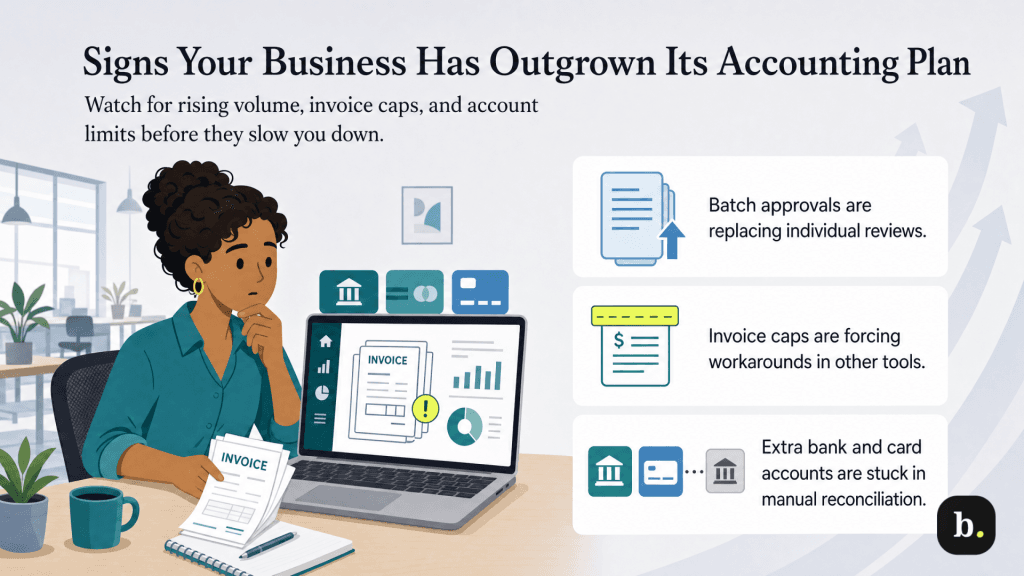
Volume usually creeps up gradually rather than jumping, which is why it’s easy to miss. A sign volume has increased to the point that demands an upgrade is that you’ve stopped reviewing transactions individually and started rubber-stamping them in batches because there are too many to think about.
Invoice caps are the most common example. If your plan allows a few invoices a month and you’re billing per project, you’ll hit the cap in a busy month and end up invoicing from somewhere else, which splits your revenue records across two systems.
Connected account limits are another common obstacle. A single-account cap works until you add a business credit card, a second bank account or a payment platform that settles separately. Each unconnected account becomes a statement that needs to be reconciled manually, which is something that could usually be handled automatically by a higher-priced tier.
Tax complexity is a big one, because the consequences arrive with deadlines and penalties attached rather than just inconvenience.
This is especially a consideration when you’re selling into additional states, which can create sales tax registration and filing obligations. It also applies when: paying contractors enough to require 1099 reporting; adding employees; changing entity structure; or starting to carry inventory, which affects how cost of goods sold is calculated.
A platform that calculates sales tax rates and flags filing thresholds does work that’s difficult to replicate in a spreadsheet. Getting it wrong is expensive and could even result in an audit. That alone is worth the cost of upgrading.
Early on, three reports answer nearly every question you’ll have. Later, though, the questions get more specific.
You’ve probably crossed that line if you’re asking which of your locations is profitable, which service line actually makes money after labor, whether a particular project came in above or below estimate, or how this quarter compares against a budget you set. Those questions need class and location tracking, project profitability, budget-versus-actual reporting or inventory valuation. These are all features that are usually locked behind higher-priced tiers.
If you’re making decisions on instinct because the data exists but not in a usable shape, that’s the sign you need to upgrade. Every month you can’t measure something is a month you can’t manage it.
Upgrading isn’t always the right answer, and a more expensive tier fixes fewer problems than vendors often imply.
Stay put if your books are behind. A better platform won’t clean that up. Reconcile first, then upgrade, or you’ll just pay more to be just as confused.
Stay put if the problem is process rather than capability. If invoices go out late because nobody owns sending them, that’s not a software problem. The same goes for uncategorized transactions and unreconciled months. Build strong accounting habits first before looking for software features.
Finally, stay put if you’re buying for a version of the business that doesn’t exist yet. Paying today for inventory management you’ll need in two years is a real cost against a hypothetical benefit. Upgrade when you actually need the features you’re paying for.
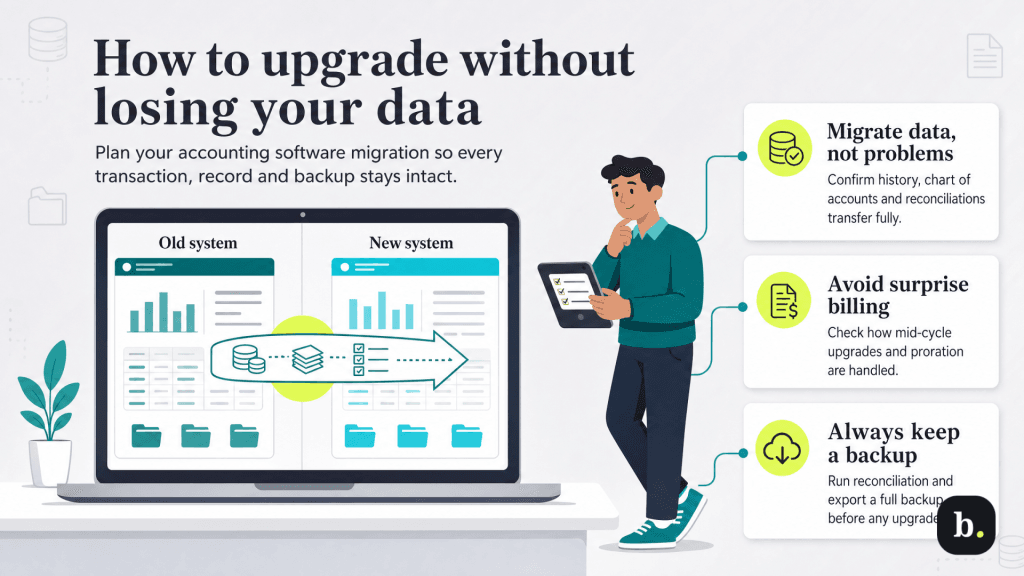
Data migration is a challenging and risky process. Doing it the right way can help you upgrade your accounting system without losing your data.
Before you choose to migrate, ask yourself:
Moving up a tier within the same platform is usually the lower-risk path, since the data doesn’t change hands. That’s why you should always choose an accounting software based on how well it can grow alongside your business over time, not just what it can do for you today.
QuickBooks is a good example of a scalable platform. Its lineup runs from QuickBooks Free at $0 per month through several paid tiers of QuickBooks Online, with Solopreneur aimed at self-employed filers, and Intuit states that data built on a lower plan carries forward when you move up. Feature depth is what separates the tiers: added users, accountant access, deeper reporting, inventory and project tracking all appear at higher levels. Our QuickBooks Online review compares the plans in detail, and the best accounting software roundup shows where the category’s other options land.
The way to judge cost isn’t the monthly difference between tiers. It’s that difference against the hours you’re currently spending on workarounds, plus the accuracy risk those workarounds carry.
Put real numbers on it. Time spent yourself hand-entering that credit card statement for one month. Count the invoices you sent from a second tool. Note how long the month-end close took. Multiply by 12 months. Most owners find the manual cost has grown past the subscription cost some time ago, which is the signal that the money spent upgrading will be money well spent.
