Business.com aims to help business owners make informed decisions to support and grow their companies. We research and recommend products and services suitable for various business types, investing thousands of hours each year in this process.
As a business, we need to generate revenue to sustain our content. We have financial relationships with some companies we cover, earning commissions when readers purchase from our partners or share information about their needs. These relationships do not dictate our advice and recommendations. Our editorial team independently evaluates and recommends products and services based on their research and expertise. Learn more about our process and partners here.
These 10 digital file management practices can help keep your business documents secure, organized and easy to find.


All businesses have important documents that must meet regulatory requirements, support internal operations or be shared with clients. In the past, file cabinets lined office walls. As technology has evolved, so have the ways companies store and manage their records.
Searching for document management software and not sure where to start? Tell us a little more about your business and get customized quotes from qualified providers.
While digital file management might seem straightforward, building a system that actually works takes planning. Read on for our top file management tips and learn why choosing the best document management software for your needs matters.
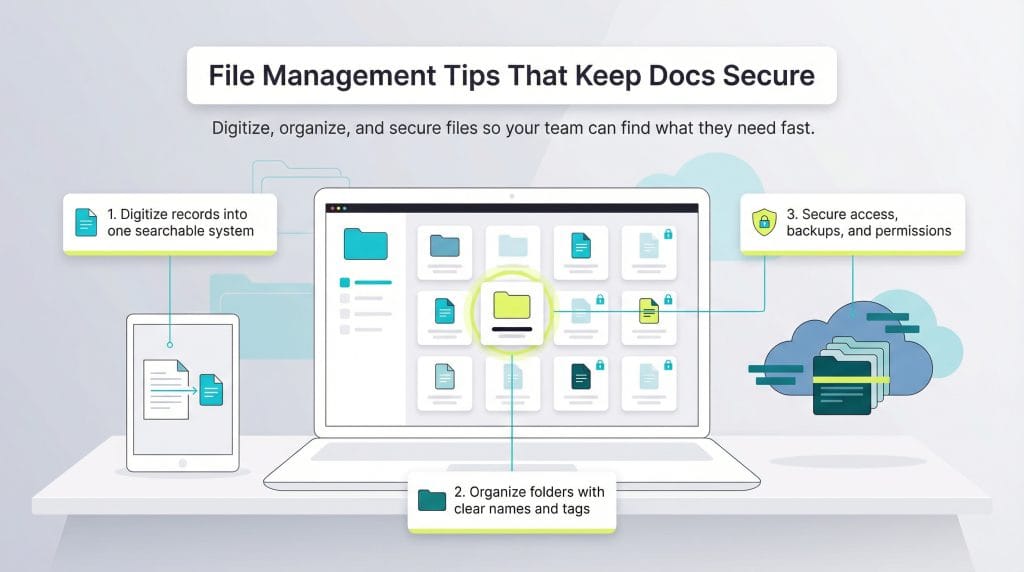
To keep your documents secure and accessible, it’s important to build a secure document management strategy and the systems to support it. Here are 10 file management tips to help you get started.
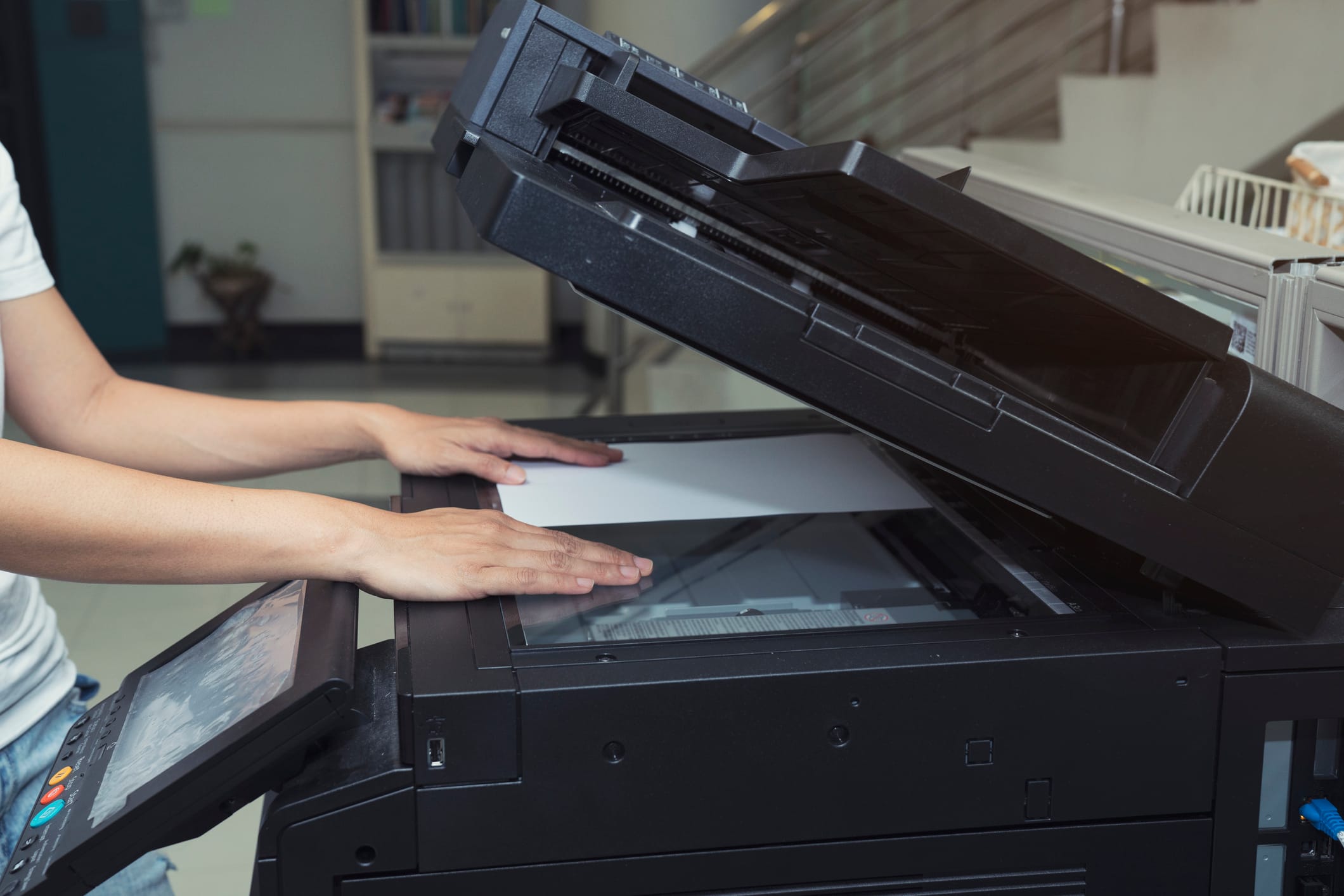
The first step in building a digital archive (a centralized system for storing business records) is digitizing documents and importing existing digital files into one place. A document management system (DMS) makes it easier to create a searchable, organized repository for your business records.
“Records can be scanned when they are received or being processed … or you can assign an internal employee to scan in batches on an agreed-upon frequency that can range from daily to annually,” explained Jim Collins, principal at Chicago-based document imaging company Datamation. “If you prefer not to use internal resources, you can outsource this work to a document-scanning service bureau who can go through your records, batch-scan everything and deliver you the digital files.”
Digitizing paper records starts with document imaging, the process of scanning documents into your document management software. Most modern systems use optical character recognition (OCR) to automatically identify and index documents based on their content.
“Today’s OCR programs are extremely intelligent and can accurately detect a high percentage of printed and handwritten text,” said Faith Kubicki, director of marketing at InTempo Software. “That said, each program’s accuracy rate depends on the quality of the document that’s being put into the system. If pages are smudged or stained, or images are blurry, the program may have a harder time recognizing the information.”
While efficiency matters, accuracy is more important. After scanning your records, establish a quality control process to review files and fix errors.
To make sure your documents are captured accurately, many document management systems let you set a “custom confidence rate.” This setting means the software accepts only files that meet a certain accuracy threshold. For example, if the software believes it has imaged a document 90 percent accurately but your custom confidence rate is 95 percent, that document won’t be accepted without manual review and approval.
“All records that are digitized must be quality-control reviewed for accuracy, integrity and completeness,” Collins advised. “This can be done either right at scanning or after by checking the images.”
Before scanning, remove staples, paper clips and other fasteners from paper records to avoid jams and image quality issues.
After digitizing and importing your records, organize them so they’re easy to find later. Documents in your archive should be accessible when you need them. Just as you wouldn’t want to dig through filing cabinets for a misfiled paper, you don’t want to search a messy digital archive.
Luckily, most document management software begins the organization process for you with OCR. The software identifies certain keywords and elements in the document and affixes metadata that automatically indexes documents for you.
To improve searchability, add your own tags and detailed metadata to files so they’re easier to sort, filter and retrieve.
Just as you would use physical folders in a file cabinet, organize your digital files into clearly named folders. That way, when you open your document or asset management system, you’re not staring at a long, disorganized list of files.
Start with broad categories that match how your business operates. Common folders include clients, vendors, finances, tax records and HR. From there, create subfolders to stay organized. For example, in your Clients folder, create a subfolder for each client, then organize by project or month.
Consistent file naming conventions also help keep everything easy to sort and search. You might prefix file names with dates (for example, YYYY-MM-DD) to keep invoices in chronological order or use project codes at the start of file names to group related documents together.
Your storage strategy generally falls into two categories: on-premises servers or cloud-based platforms. On-premises systems demand a higher upfront investment and in-house IT support, but they give you more direct control over your documents and security setup.
Cloud platforms reduce maintenance and can scale more easily as your business grows. In fact, according to Flexera’s 2025 State of the Cloud Report, more than half of all business workloads now run in the cloud, and organizations plan to increase cloud spending to improve speed, flexibility and efficiency. “Both [on-premises and cloud storage] options are viable, but the cloud provides an automatic off-site backup,” Collins noted. “This is increasingly becoming the storage choice for most companies. Most cloud sites are certified, secure and very efficient.”
While cloud solutions offer convenience, they also require trusting a third-party provider with your data, so careful vendor vetting is essential. It’s crucial to research cloud services to find the best and most secure storage providers.
While the cloud offers built-in redundancy, it shouldn’t be your only backup strategy. Collins also recommends maintaining backups of your records and systems.
“This backup can come in many ways, such as having a scanner to scan and archive records, storing important files in multiple locations, and establishing policies and practices to capture documents and keep them secure as a regular practice,” Collins said.
Your digital archive contains your business’s most sensitive documents. As data breaches become more common, keeping your files secure should be a top priority for many reasons, including potential financial devastation. According to IBM’s 2025 Cost of a Data Breach Report, the average cost of a breach for U.S. businesses is about $4.4 million, underscoring why it’s so important to take security seriously.
“When selecting a software program, small businesses should also look for configurable firewalls, Active Directory authentication and SSL technologies,” Kubicki advised. “They should also find a system that provides them with a comprehensive, uneditable record of every single time a document was accessed (and by which employee).”
Most document management systems also include user access permissions, which let admins control who can view or edit specific files. This helps reduce the risk of internal leaks or accidental exposure.
“It’s important for small businesses to customize their access permissions, especially when multiple departments are using the same document management system,” Kubicki cautioned. “This ensures that financial data stays within accounting, sensitive employee information can only be viewed by HR and so on.”
Creating a clear document retention schedule can improve security and free up storage space. Not every file needs to be kept forever, but deleting required records too early can create legal and compliance issues, especially for documents like tax filings and payroll records, which have specific paycheck recordkeeping requirements.
“Most documents shouldn’t be stored in perpetuity,” Kubicki said. “For instance, the IRS recommends that small businesses retain financial records for seven years. But when it comes to internal business documents, like supplier contracts and customer order records, it’s normal to retain those for longer.” (Note that retention periods vary by document type and industry, so check IRS and industry-specific requirements.)
Following all of the above steps is just the start of implementing new file management practices. To keep your system organized long term, it’s crucial to invest in employee training so that every team member understands how your filing system works and why it matters. When employees understand both the “how” and the “why,” digital organization becomes part of their daily workflow rather than an extra task.
The system you set up and train your team on should encompass all of the procedures and considerations listed above. Once you determine how your company will adhere to these best practices, put your procedures in writing, perhaps in your employee handbook or internal policy documentation.
Once your archive is digital, your team needs the ability to work on documents simultaneously without creating version control conflicts. The best document management systems include tools that support real-time collaboration and clear version tracking.
“Good systems will track versions of all content, allow multiple simultaneous access to the same documents and facilitate production collaboration,” Collins said. “For more complex applications, workflows can add structure and accuracy to defined processes through routing, approvals, signatures, checklists and reminders.”
These features help ensure edits are tracked properly and reduce the risk of overwritten or conflicting changes when multiple people work on the same file.
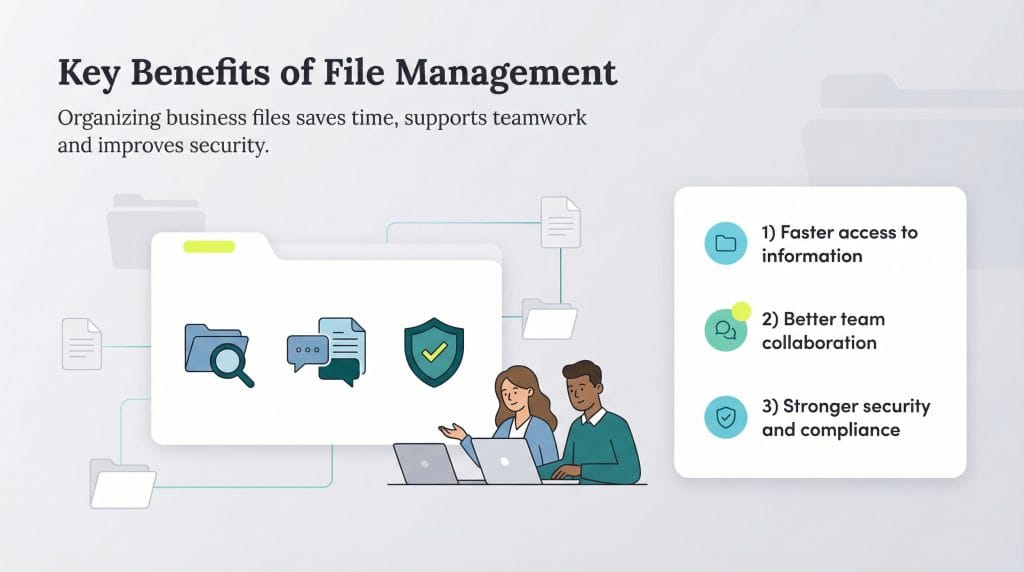
A well-organized file management system does more than keep documents tidy. It saves time, reduces risk and helps teams work more efficiently. When everyone knows where files live and how to use them, your business runs more smoothly.
Here are some key benefits of strong file management practices:
Jamie Johnson and Max Freedman contributed to this article. Source interviews were conducted for a previous version of this article.