Business.com aims to help business owners make informed decisions to support and grow their companies. We research and recommend products and services suitable for various business types, investing thousands of hours each year in this process.
As a business, we need to generate revenue to sustain our content. We have financial relationships with some companies we cover, earning commissions when readers purchase from our partners or share information about their needs. These relationships do not dictate our advice and recommendations. Our editorial team independently evaluates and recommends products and services based on their research and expertise. Learn more about our process and partners here.

Launching a new business often comes up with a mile-long to-do list. When you’ve got new staff to train and products to promote, the last thing you want to do is spend a lot of time learning a complex point of sale system. Fortunately, Genius POS makes it possible to be up and running in a matter of days. This intuitive solution not only makes it easy to start taking transactions right away, but also offers multiple tools for running and growing your business. Read ahead to learn why Genius POS is our choice for the best POS system for new businesses.
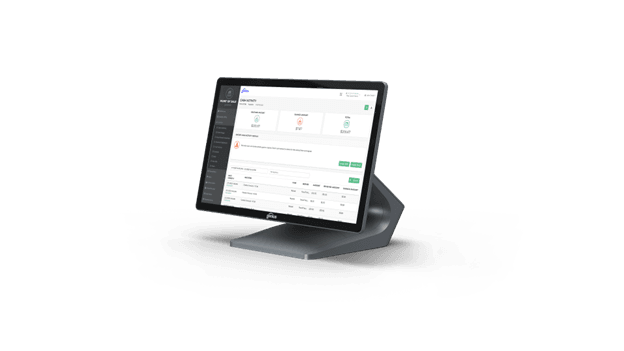
The best POS system for new businesses makes it easy for you to get up and running as quickly as possible. Global Payments delivers a user-friendly system right out of the box with Genius POS. In addition to making it easy to start taking transactions at check out, Genius provides tools to manage core back office operations, from managing inventory to scaling your email marketing efforts.
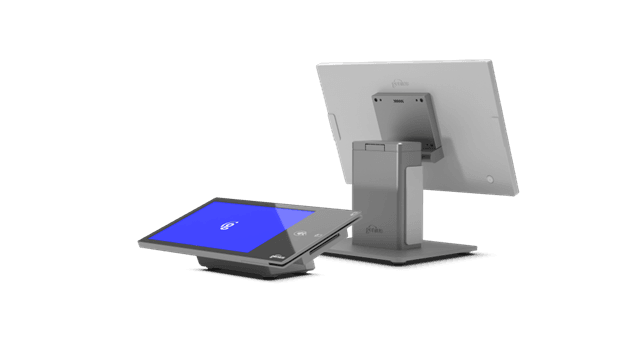
Genius POS isn’t just limited to new businesses; it’s also scalable, offering tools that support your business as it grows to multiple locations. As your new business matures, you won’t need to switch to another POS system, saving you time and money — after all, migrating POS systems is an arduous process that could disrupt your business. With Genius POS, you won’t have to worry about that.
Global Payments and Worldpay merged in 2026, giving Worldpay customers access to Genius’ user-friendly features. During our testing, each module’s dashboard featured a clean snapshot overview of important information. The uncluttered layout showed us exactly what we needed, whether that be an overview of sales transactions or overdue invoices. While Genius offers 24/7 customer support, it felt like a system we could explore on our own with minimal instruction.
Of Genius’ many available features, these were the ones that stood out most to us during our testing.
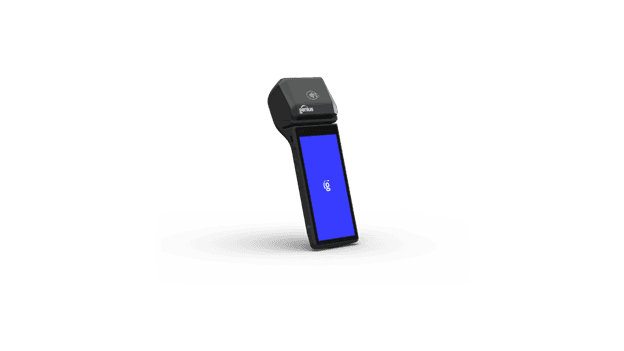
Genius provides three options for POS hardware: virtual, handheld and countertop terminals. You can mix and match these devices to create a custom POS system based on your business’s needs.
All three hardware options sync to your centralized sales data. So, if your staff completes a transaction using a handheld device in one location, you’ll be able to see it in the system on any other device from any other location in near real time.
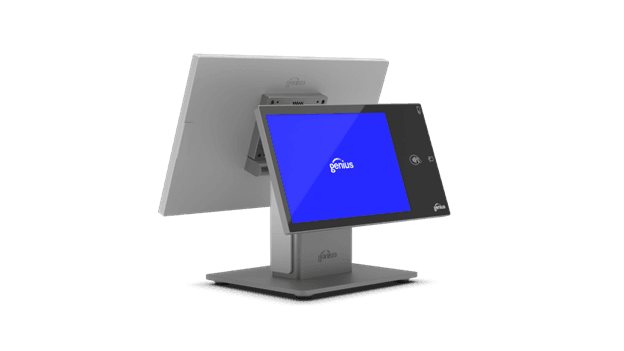
Global Payments offers multiple customization choices, so you can tailor your set up to meet your business’s specific needs. For instance, it’s easy to set up custom discounts, so your team doesn’t have to worry about calculating anything at checkout. In testing, we were able to create common discounts in just a few clicks, such as veteran, birthday or employee discounts.
You can also customize your checkout configuration, depending on what your customers need to see. Enable or disable tipping, allow customers to email or text receipts, and configure your POS to multiple printers.
Advanced plan customers also get access to Genius’ inventory management tools, allowing you to track stock in real time across multiple channels. Adding inventory to your Item Library is simple, along with product photos and pricing details, so the system can accurately track profit margins across categories, in addition to stock levels.
If you’ve been tracking inventory via spreadsheet, you can easily upload your documents and the Genius system will convert your inventory. We appreciate that the platform offers extensive support when setting up their inventory management features. For those who need additional guidance, a representative can also assist you in getting your inventory tracking established with Genius.
One of the best reasons to upgrade to the Advanced plan is access to Genius’ reporting and analytics tools. During testing, we were impressed by how detailed available sales data was when we wanted to view trends over time. We could compare sales, not just year over year, but also day by day, and even compare specific hours on the same date. This is especially helpful for retailers trying to schedule staff appropriately for busier periods.
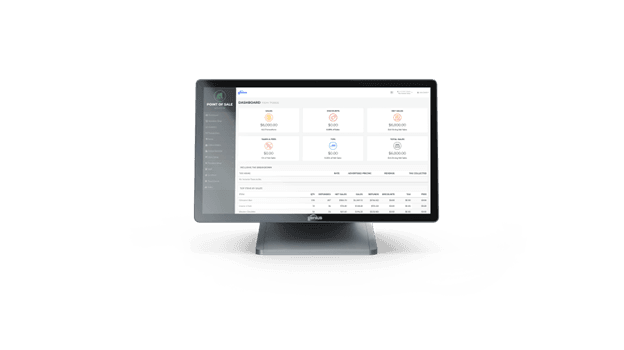
We also had the option to pull sales summaries to compare online and in-store sales. The Genius system even let us separate data based on sales made by specific employees, not just on certain dates or by location. Unlike many other POS systems, Genius makes it possible to track cash payments as well as credit and debit card transactions. We were fans of the calendar view format, in particular. If we wanted to see sales from a specific date, the calendar view made it easy to find quickly.
These analytics are valuable beyond predicting sales volume. Global Payments customers can also use the analytics tools to improve their email marketing strategies. In testing, we saw that email addresses could be gathered through the Receipts function, and Genius’ analytics features could also extract demographic and behavioral information based on other credit card purchases. For instance, if your restaurant sees loyal customers are making credit card purchases at nearby bakeries after dining at your establishment, that’s a sign to consider adding more desserts to the menu.
Genius’ analytics suite also includes a competitive benchmark feature, so you can see how you’re doing in comparison with similar businesses in your area. We appreciated how detailed the available competitive data was, similarly allowing us to see competitive sales within a specific week, month, or year.
Global Payments also offers Advanced plan customers time and attendance management tools through its Timeclock feature. This feature was easy to navigate in testing, with a summary of staff shifts, hours, breaks and wages available on the dashboard when logging in. After navigating to the Shifts function on the left sidebar menu, we could see a full roster of all staff, including who was on the clock, who was on break and total hours for every employee.
For an additional cost, Global Payments will work with you to tailor a customer loyalty plan that drives repeat business. In addition to gift cards, you can offer loyalty programs where customers earn points based on how much they spend, visit your store, or if they purchase specific items.
Global Payments doesn’t disclose prices for Genius POS on their website, so you’ll need to contact them for a quote. When you speak to a Global Payments representative, they’ll assess your business’s specific needs before tailoring a bundled plan.
The vendor does offer promotions so merchants can get started on the basic plan at a low rate. At the time of our testing, Global Payments was offering a promotion to get started with the Essentials plan for $0. Genius does require a three year contract and may charge an early termination fee.
Merchants can choose from Genius’ Essentials and Advanced plans.
Gift card programs are available for an added cost to both Essentials and Advanced customers. Genius also offers industry-specific add-ons for Advanced plan subscribers, including delivery, booking services and support for products requiring age regulations.
You also won’t need to purchase a warranty to guarantee your hardware is covered. If the unexpected happens, Genius will replace it.
One of the greatest advantages of subscribing to Genius POS is how fast you can be online with their system. Genius has reported clients completing their initial implementation in a matter of days. Since both their hardware and software are designed to be intuitive and simple, the low learning curve is a huge plus for small teams.
Retail merchants don’t always operate from 9:00 to 5:00, so we appreciate that Global Payments offers 24/7 customer support. Whether you have a simple question about your POS terminal or a more complex infrastructure need, Genius POS claims to be available for any level of need, any time. Given Genius’ positive ratings, with high scores for customer service on platforms like Capterra and Software Advice, there’s solid evidence that quality customer support is a priority. We were also happy to see that Genius’ customer resources include support in multiple languages.
When you use Genius POS, you’ll be required to process payments via Worldpay. We preferred to see flexibility in choice of payment processors when we reviewed POS systems. However, Worldpay is one of our picks for best credit card processors, so even though it’s required you can expect quality service.
Additionally, Genius POS may not be the right solution for all food and beverage businesses. The platform works well for takeout and concession stands, but dining establishments that need access to advanced features like table mapping won’t get that through Genius.
Our team determined the best POS systems through a range of exclusive product demos, testing through free trials and direct contact with each vendor’s support team. We also researched broader user experience by reading public customer reviews on multiple websites. For our retail best picks, we focused on features that meet the needs of retail operations, including payment processing, inventory tracking, employee management tools and the ability to create loyalty programs. We also took into account whether a vendor supported multiple payment methods, including in-store and online transactions.
We recommend Genius POS for:
We don’t recommend Genius POS for:
