
Save on our favorite website builderSee Deal
Save on our favorite website builderSee Deal
Business.com aims to help business owners make informed decisions to support and grow their companies. We research and recommend products and services suitable for various business types, investing thousands of hours each year in this process.
As a business, we need to generate revenue to sustain our content. We have financial relationships with some companies we cover, earning commissions when readers purchase from our partners or share information about their needs. These relationships do not dictate our advice and recommendations. Our editorial team independently evaluates and recommends products and services based on their research and expertise. Learn more about our process and partners here.
You don't need a big budget to keep visitors interested in your website and encourage them to buy.

Getting people to visit your website is one thing. Keeping them interested long enough to explore your products or services and make a purchase is another. If your site is slow, difficult to navigate or doesn’t provide the information visitors are looking for, they may leave before giving your business a chance. And once they’re gone, there’s no guarantee they’ll come back.
Fortunately, you don’t need a big budget to make your website more appealing and easier to use. Small improvements, such as offering better customer support, showcasing customer reviews and adding engaging videos, can encourage visitors to stick around, learn more about your business and ultimately become paying customers.
There are plenty of practical, affordable ways to make your website more inviting and keep visitors interested. Consider these 10 strategies to improve customer engagement and encourage more sales.
Getting visitors to sign up for your email list can be a challenge, especially when they’re browsing your website for the first time. A well-placed pop-up can help catch their attention and give you a way to stay in touch after they leave. It’s one of several website design tactics that can help turn casual visitors into potential customers.
Email pop-ups typically appear after someone has spent a certain amount of time on your site or scrolled down a page. You might offer a discount on their first purchase, early access to new products or a free resource in exchange for their email address. Just make sure the pop-up is easy to close. You don’t want to annoy the very people you’re trying to attract.
You can also use exit-intent pop-ups to reach visitors before they leave your website. Say someone adds a few items to their cart but decides not to buy. A pop-up offering a discount or reminding them what’s in their cart might persuade them to complete the purchase. It’s worth trying if you’re looking for ways to reduce shopping cart abandonment and capture leads before they leave.
Pop-ups can be surprisingly effective when they’re done well. According to OptiMonk, a pop-up software provider, pop-ups on its platform have an average conversion rate of 11.09 percent. The top-performing 10 percent do considerably better, averaging 42.35 percent.
Watch how you use pop-ups on mobile devices. Google may penalize pages in mobile search results if pop-ups block too much of the content. To keep your e-commerce website mobile-friendly, make sure pop-ups don’t take over the screen and visitors can easily close them.
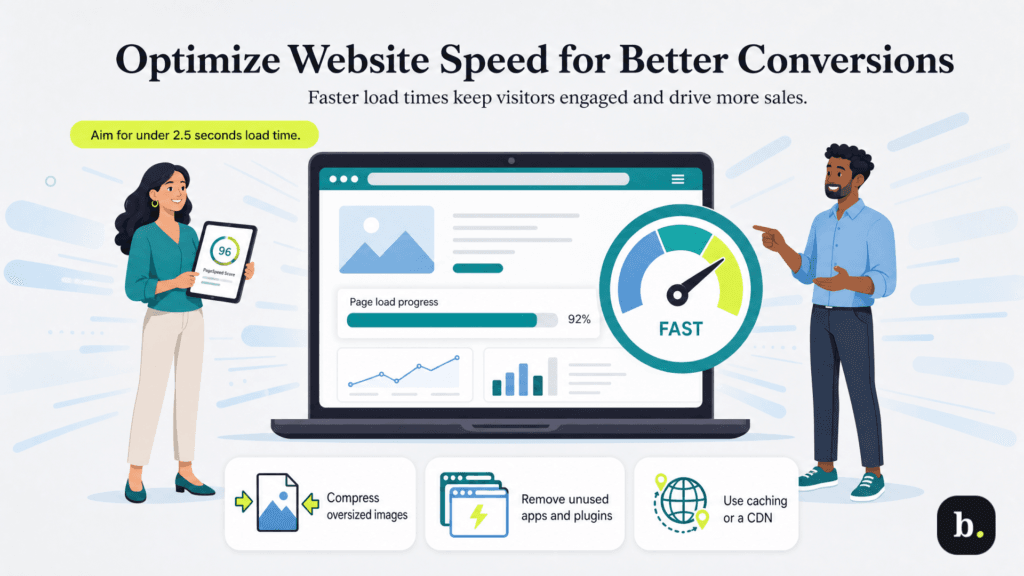
Nobody likes waiting for a website to load. If your pages take too long, visitors may lose patience and leave before they even see what you’re offering. Slow page load speed can also hurt sales. In a 2026 analysis of online stores, Shopify found that conversion rates tended to be about 3.5 percent lower for every additional 100 milliseconds of loading time.
“There are a variety of ways you can optimize your website for speed to keep your customers engaged,” said Taylor Tufano, senior digital visibility engineer at 9Sail. Tufano recommends running your site through Google’s free PageSpeed Insights. “This tool will provide you with actionable insights on how to improve your website speed and overall improve your customer experience,” she added.
How fast is fast enough? According to Google’s Core Web Vitals guidelines, the largest image or block of text visible when someone opens your website should load within 2.5 seconds. If your site is taking longer, check whether oversized images are slowing things down. Compressing images and getting rid of apps or plugins you don’t use are good places to start. You can also look into browser caching or a content delivery network (CDN) if you manage your own site. Many website builders, including Shopify, Squarespace and Wix, handle these tasks automatically.
Want to know whether visitors are actually engaging with your website? Look at metrics such as average engagement time, page views, scroll depth, lead conversions and returning visitors. You can also check which pages people commonly exit from to spot potential problems.
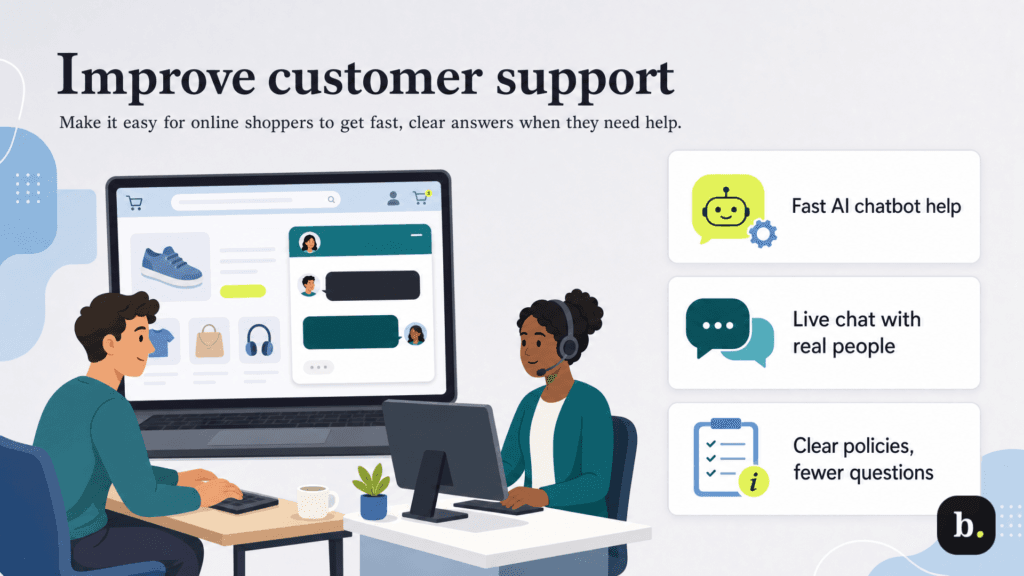
Imagine finding a product you want to buy but having a question about shipping, returns or how it works. You look for a way to contact the business, but there’s no phone number or chat option in sight. Chances are, you’ll take your business elsewhere. That’s why thoughtful and thorough e-commerce customer support is so important.
And customers don’t have much patience for bad service. According to Zendesk, more than half of customers will switch to a competitor after a single negative experience. You could have terrific products and competitive prices, but if customers can’t get help when they need it, you may lose the sale.
“There are many ways you can keep users engaged on your website through a personalized experience and customer support,” Tufano explained. “For example, chatbots are a popular way to do this. They allow users to interact with the site and get answers to their questions in a fast and personalized way.”
If you have a small support team, AI chatbots can handle routine questions about orders, shipping and store policies, even outside business hours. Live chat with a real person is also useful for customers who have a quick question and don’t want to pick up the phone or wait for an email response. Either way, make sure customers have a way to reach a real person when they need more help.
Keep an eye on the questions customers continually ask, too. Are they constantly asking about your return policy or confused about shipping charges? If so, you may need to make that information easier to find on your website. A few small changes could save customers some frustration and cut down on the questions your support team has to answer.
When someone visits your website for the first time, they don’t know much about your business or whether they can trust you. You can tell them how great your products are, but chances are they’ll want to hear from people who’ve actually bought them. That’s where social proof comes in. User-generated content like positive customer reviews, testimonials and other endorsements can help reassure visitors that they’re making a good choice.
“Depending on your industry, there are various ways to incorporate social proof for your website,” Tufano said. “For example, one of the easiest ways to work across practically all industries is to include reviews from your Google Business Profile. This can usually be implemented using a plugin.”
Here are a few types of social proof you can feature on your website:
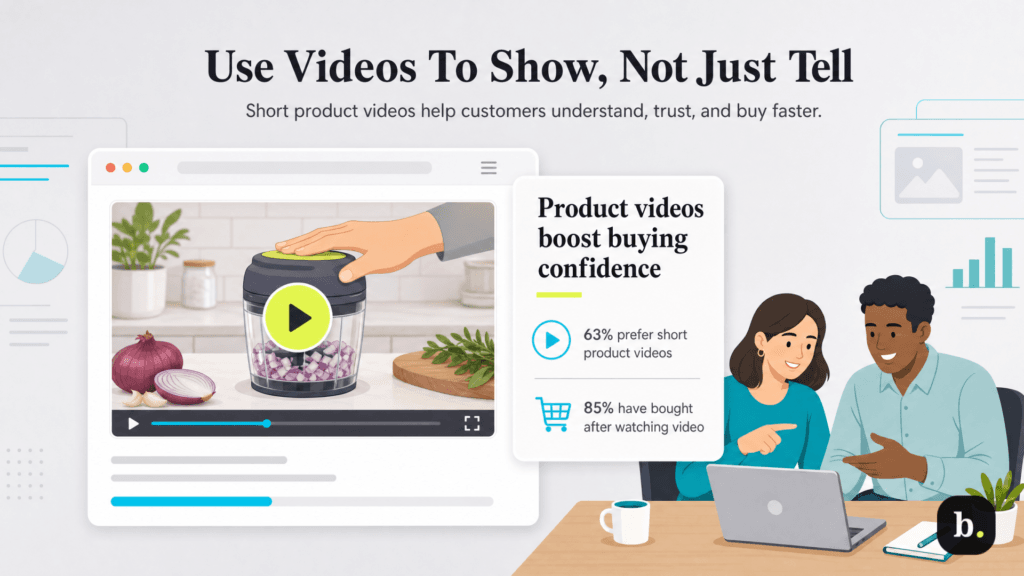
Sometimes a picture isn’t enough to show customers what you’re selling. Say you sell kitchen gadgets. A photo can show shoppers what a product looks like, but a short video can demonstrate how it works, how easy it is to use and what it can actually do. That kind of information can make a difference when someone’s deciding whether to buy.
And people do pay attention to videos. According to Wyzowl’s 2026 State of Video Marketing report, 63 percent of consumers would prefer to learn about a product or service by watching a short video. Even more telling, 85 percent said they’ve been convinced to buy something after watching a video.
Think about where video would be most helpful on your website. Your homepage is a good spot for a quick introduction to your business, while product pages are a great place to show visitors how something works. If you offer services, a short video explaining what you do and what customers can expect might answer a few questions and encourage them to get in touch.
Just be careful that your videos don’t slow down your website. Arias WebsterBerry, CEO of WebsterBerry Marketing, cautioned that large video files can make pages sluggish and drive visitors away. He recommended using free video compression tools to reduce file sizes and keep loading times down. After all, there’s little point in adding an engaging video if customers leave before it plays.
Looking for more ways to use video content marketing? Try customer testimonials, staff introductions or behind-the-scenes footage of your business. You don’t need an elaborate production to give visitors a better sense of who you are and what you offer.
Have you ever visited a website where you couldn’t find what you were looking for, the navigation made no sense or you had to jump through hoops just to buy something? Those little frustrations are examples of website friction, and they can send potential customers elsewhere. Convenience matters to shoppers. According to Salesforce’s State of the AI Connected Customer report, 23 percent of consumers tried a new brand in the past year because it offered a more convenient experience.
Take a look at how easy it is for someone to go from browsing your website to making a purchase. Are your product descriptions clear and detailed enough to answer shoppers’ questions? Can visitors easily find your shipping and return policies? A helpful FAQ page is another way to reduce website friction by saving customers from having to hunt for information or contact your support team.
Pay particular attention to your checkout process. Customers shouldn’t have to create an account or fill out unnecessary fields just to place an order. According to the Baymard Institute, 18 percent of U.S. online shoppers who abandoned a purchase did so because they were required to create an account, while 17 percent left because the checkout process was too long or complicated. Make it as easy as possible for customers to finish what they started.
Shopping doesn’t have to be all business. Adding a few game-like features to your website can make browsing more fun and give visitors a reason to stick around. Quizzes, rewards programs, challenges and progress bars are all ways to get customers involved instead of having them simply scroll through your products.
Take quizzes, for example. We’re not talking about testing customers on what they know about your industry. Say you sell skincare products. You could ask visitors a few questions about their skin type, concerns and preferences, then recommend products that might work for them. Customers get personalized suggestions, and you get a better idea of what they’re looking for.
Loyalty program rewards are another option. You might give customers points toward future purchases, offer a small reward for completing their profiles or use a progress bar to show how close they are to earning a discount. Just make sure the rewards are worthwhile and the rules are easy to understand. Nobody wants to jump through hoops to save a few dollars.
Rewards programs may also encourage customers to use your mobile app. Capital One Shopping reports that 30 percent of mobile shoppers prefer shopping through apps because they offer better loyalty programs.
Customers appreciate it when a website seems to understand what they’re looking for. If someone has been browsing running shoes, for example, showing them similar styles or accessories makes more sense than recommending something completely unrelated. You can use browsing history, previous purchases and customer preferences to make product suggestions more relevant.
“Most customers expect personalization,” WebsterBerry said. “No one wants the one-size-fits-all [approach].”
Research backs him up. According to McKinsey, 71 percent of consumers expect personalized interactions with businesses, and 76 percent get frustrated when that doesn’t happen.
WebsterBerry also suggested reaching out to shoppers who browsed your products but left without buying anything. If they’ve signed up for marketing emails, you could remind them about something they looked at or recommend a similar product.
“Sending them emails based on the behaviors that they’ve taken or the actions that they’ve taken on your website is critical,” he said. “The goal is to make sure that every interaction is optimized to make them feel special, or that it’s been crafted for them.”
You may have several things you want visitors to do on your website, from signing up for your email newsletter to requesting a quote or making a purchase. But asking them to do too much at once can be overwhelming. It’s better to give each page a clear purpose and make the next step easy to find.
Think about what you want visitors to do and make your call to action (CTA) specific. Instead of a vague button that says “Learn More,” you might use “See Pricing,” “Get a Free Quote” or “Shop New Arrivals,” depending on what the page offers. Make sure the button stands out and visitors don’t have to hunt for it.
“You need to focus on engaging the users that are more likely to take action,” WebsterBerry said. “So, whether that is purchasing, signing up or downloading, one of the big things that you can do is have simple but strong [CTAs] … You need to make it easy for people to understand what the next step is on that page.”
People shouldn’t have to pinch, zoom or scroll sideways to use your website on their phones. Yet plenty of businesses still design their sites with desktop users in mind.
“If you’re trying to make it easier for people to experience your site and brand, you want to reduce the friction by making sure that your website is optimized for mobile,” WebsterBerry said. “I can’t tell you how many websites are built desktop-first instead of mobile-first.”
According to Statista, mobile phones accounted for 51.48 percent of global website traffic in the second quarter of 2026. That’s a lot of potential customers to frustrate with a website that doesn’t work well on a small screen.
You don’t necessarily have to start from scratch to make your website mobile-friendly. Many of the best website builders, including Shopify, Squarespace and Wix, offer mobile-responsive templates. But it’s still worth checking how your site looks and functions on different phones. Make sure text is easy to read, menus work properly and buttons are large enough to tap without accidentally hitting something else. Something that works perfectly on your laptop might be a headache on a phone.
Keeping visitors interested in your website can pay off in several ways, from increased sales to better search visibility. Here’s why website engagement matters to your business.
Someone who finds helpful product information, customer reviews and clear pricing on your website has fewer reasons to leave without buying. The easier you make it for visitors to find what they need, the better your chances of increasing sales.
Keep an eye on your website engagement metrics, too. Average engagement time, page views and conversion rates can help you see which pages are doing their job and which ones might need some attention.
A website that’s fast, easy to navigate and full of useful information can also help your search engine optimization (SEO) efforts. Google considers aspects of the overall page experience when ranking websites, although good engagement numbers alone won’t guarantee higher rankings.
Focus on making your content helpful and relevant to what people are searching for. That’s a good starting point for improving your SEO strategy. You can also use customer tracking methods to learn how visitors interact with your pages and where they might be running into problems.
A good website experience can give customers a reason to come back. If they know they can find what they’re looking for, get answers to their questions and make purchases without a hassle, they’ll be more inclined to shop with you again.
And repeat customers are valuable. They’re already familiar with your business, so you don’t have to work as hard to earn their trust or convince them to give your products another try. Making their experience a pleasant one can encourage them to keep coming back.
Amanda Clark contributed to this article. Source interviews were conducted for a previous version of this article.