Business.com aims to help business owners make informed decisions to support and grow their companies. We research and recommend products and services suitable for various business types, investing thousands of hours each year in this process.
As a business, we need to generate revenue to sustain our content. We have financial relationships with some companies we cover, earning commissions when readers purchase from our partners or share information about their needs. These relationships do not dictate our advice and recommendations. Our editorial team independently evaluates and recommends products and services based on their research and expertise. Learn more about our process and partners here.
Avoid common website design mistakes that frustrate visitors and cost you leads and sales.


Your website is often a potential customer’s first introduction to your business, so it’s important to make a good impression. Visitors want to find what they’re looking for quickly, and an outdated layout, confusing navigation or poorly organized content can send them elsewhere. Website design can even influence whether someone decides to buy from you. According to a Clutch survey, 84 percent of consumers say website design affects their decision to shop with a brand, and nearly 80 percent will leave a website they don’t like, even if they’re interested in the product.
Whether you’re building your own website, using a website builder or hiring a professional web developer, avoiding common design mistakes can help you make a better first impression, keep visitors engaged and turn more of them into customers.
Even an attractive website can lose potential customers if it makes common mistakes. Here are some pitfalls to avoid when building or redesigning your business’s website.
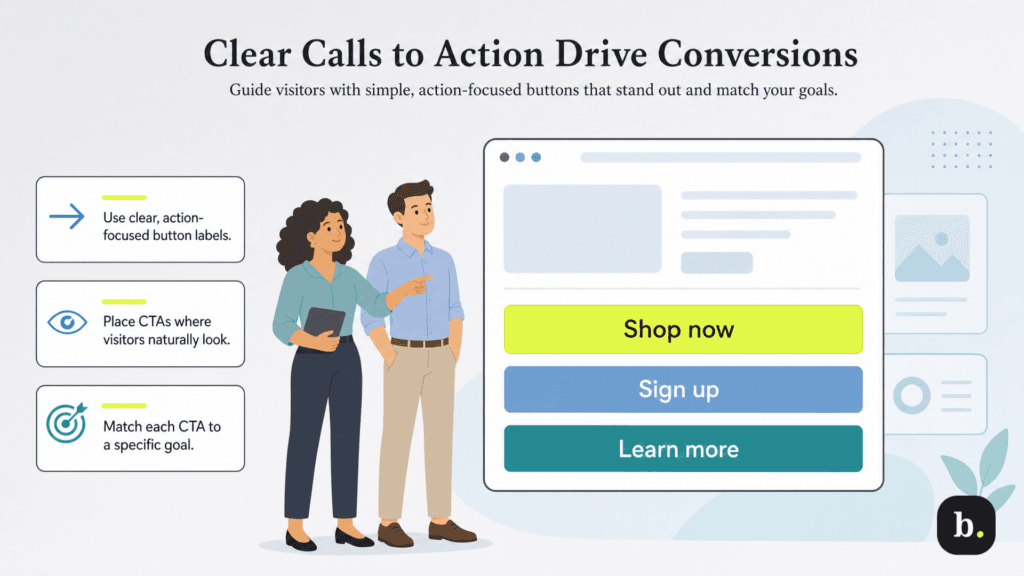
Getting visitors to your website is only half the battle. Once they’re there, you need to make it easy for them to take the next step. If your call-to-action (CTA) buttons are missing, hard to find or confusing, visitors may leave without doing anything.
“Unclear CTA buttons confuse people,” explained Stephen Do, founder of UpPromote, an affiliate marketing and referral software platform for Shopify. “If your website doesn’t guide users, they won’t know what to do next.”
Before designing your CTAs, think about what you want visitors to accomplish. Depending on your business, your goals might include:
Once you’ve identified your goals, create CTAs that clearly communicate the next step. Use action-oriented language, make buttons easy to spot and place them where visitors are likely to look. You don’t want potential customers searching for a way to buy your product or contact your business.
Do emphasized the importance of choosing the right words. “Some stores boosted their conversions just by changing ‘Learn More’ to ‘Shop Now,'” Do noted.
A slow-loading website can frustrate visitors and send potential customers elsewhere, which is why your page load speed is crucial. “In e-commerce, every second matters,” Do cautioned. “If your site is loading slowly, it could lead the customers to give up and search elsewhere.” Research backs this up: In a 2026 analysis of online stores, Shopify found that conversion rates tended to be about 3.5 percent lower for every additional 100 milliseconds of loading time.
Google’s Core Web Vitals guidelines recommend that your website’s largest visible image or text block finish loading within 2.5 seconds. If your site isn’t meeting that benchmark, there are several things you can do to speed it up:
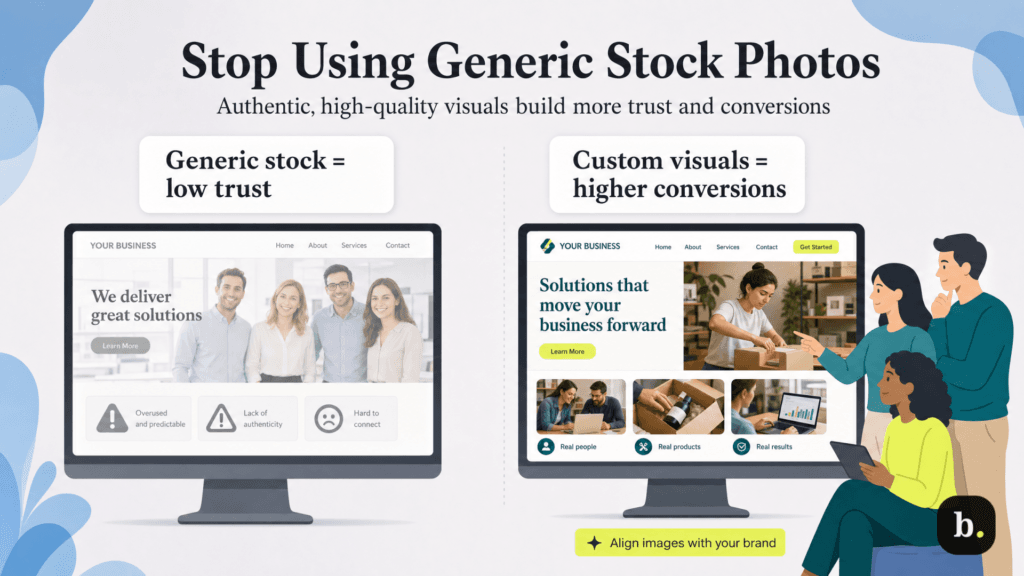
Some business websites rely on stock photos for backgrounds and product descriptions. However, using too many generic or low-quality images can make your site look unprofessional and impersonal. You may even end up using the same photos as a competitor. “Bad stock images kill conversions because they feel generic and untrustworthy,” Do cautioned.
Whenever possible, use original photos that show your products, employees or business in action. “Custom images tailored to your product or audience perform better,” Do noted.
If taking your own photos isn’t an option, look for stock photography that feels authentic and fits your brand. You can also customize stock images by cropping them, adjusting colors or adding branded elements, provided the licensing terms allow it.
Image quality matters, too. Tools like Canva make it easy to resize photos, improve their appearance and prepare them for different parts of your website. These small adjustments can help your images look more professional and consistent with your brand.
Clunky, illogical or otherwise poor website navigation frustrates visitors and hurts conversions. “If your menu is too complex, people leave,” Do warned. “I always advise clients to keep navigation minimal — three to five main categories at most.”
Follow these best practices for streamlined site navigation:
Many websites, unfortunately, subscribe to the “more is more” design aesthetic. However, the following commonly used website design and marketing elements may actually drive away visitors in droves:
“Website clutter and disorganized content overwhelm users,” Do cautioned. “Less is more. Simplify your layout and prioritize the most important elements.”
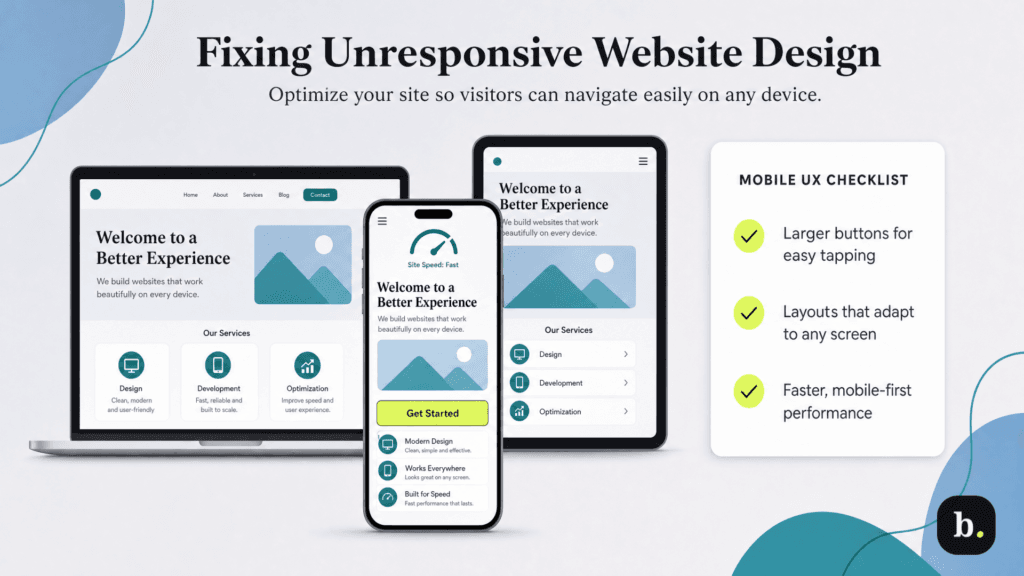
Mobile optimization is no longer a buzzword or a trend; responsive web design is essential for a successful website. Google primarily uses the mobile version of a site’s content for indexing and ranking, and according to Statista, mobile devices account for more than half of global web traffic. Mobile shopping is also increasingly common. According to Adobe’s 2026 online shopping report, 56.4 percent of online transactions during the 2025 holiday season took place on smartphones, up nearly two percentage points from the previous year.
“A huge percentage of traffic comes from mobile devices, yet I still see websites that are hard to read or navigate on smaller screens,” observed Nicolas de Resbecq, CRO specialist at Oppizi. “Buttons are too small to tap, text is crammed together or images don’t scale properly. Poor mobile organization will lose you a lot of customers.”
Since mobile devices come in various shapes and sizes, optimizing your website for different screen sizes is crucial. “One of my clients had a beautifully designed desktop site, but their mobile version was clunky,” de Resbecq recalled. “After introducing larger buttons, simplified layouts and faster load times, their mobile conversions grew by 50 percent.”
Today, most website builders — including Squarespace, Wix and Shopify — offer responsive templates that automatically adjust to different screen sizes. However, it’s still important to test your website on multiple devices to make sure everything displays properly and visitors can easily navigate your site.
Your website may make a great first impression and even convince visitors to purchase your products. However, if your checkout process is clunky, confusing or time-consuming, customers may decide it’s just not worth the hassle and abandon their shopping carts. Even requiring users to create an account before checkout can be a major deterrent.
The numbers back this up: According to the Baymard Institute, the average documented online cart abandonment rate is over 70 percent. Although shoppers abandon carts for many reasons, a complicated or lengthy checkout process is among the most common causes.
“If it takes too many steps or asks for unnecessary information, customers abandon their carts,” de Resbecq warned. “I worked with a client who required users to create an account before checking out, and we noticed a huge drop-off at that stage.”
Find ways to reduce friction on your e-commerce site and make checkout easier. For example, one-click purchasing can reduce shopping cart abandonment and boost sales. de Resbecq also recommended offering a simplified guest checkout option so customers can complete their purchases without creating an account.
Artificial intelligence (AI) tools can be great at creating website text, product descriptions and marketing copy. However, if used without careful review, you risk your website’s credibility. Generic, formulaic AI-generated content may fail to engage your audience or convey your brand’s unique voice, leaving potential customers feeling disconnected.
“AI-generated content can be a double-edged sword,” noted Ashot Nanayan, CEO and founder of B2BSEO.io. “While it’s a powerful tool for quickly producing content, it can come across as generic or impersonal if not optimized or reviewed for authenticity and tone. This disconnect can deter visitors who crave genuine brand connection, which is key to conversions.”
Consumers are getting savvier about detecting low-quality AI-generated content — and so are search engines. “Search engines like Google are increasingly prioritizing content that demonstrates expertise and originality,” Nanayan explained. “Poorly executed AI content risks being flagged as low-quality, which can hurt your rankings and organic traffic — both crucial drivers of conversions.”
If visitors arrive at your site and encounter mismatched fonts, inconsistent color schemes or unclear branding, they may become confused. Worse yet, they may see your website as unprofessional and lose trust in your brand.
Visual consistency contributes to brand trust and an elevated user experience. A cohesive design builds comfort and familiarity, making it easier for users to associate your website’s look and feel with your brand.
Nanayan emphasized that consistency is critical in building trust and brand recognition. “Inconsistent typography and a lack of cohesive brand colors create a disjointed experience for users, making your site feel unprofessional or unfinished,” Nanayan explained. “When visitors encounter visual inconsistency, it can trigger doubts about your credibility as a business, leading to higher bounce rates and lower conversion rates. A unified design isn’t just aesthetic — it’s a psychological cue that reassures users they’re in the right place.”
Experts recommend using a color wheel or palette to choose one or two accent colors appropriate for your brand identity and sticking to a consistent set of fonts throughout your website.
Shoppers rely on customer reviews to guide their purchasing decisions. However, a website design that doesn’t showcase positive customer reviews may make visitors uneasy about your offerings.
“No reviews? That’s a huge red flag in e-commerce,” Do cautioned. “Shoppers rely on reviews to validate their decisions, especially for products they can’t touch or try. I had a Shopify client who initially had no reviews on their store. Once we implemented an automated system to request reviews post-purchase, their sales jumped 30 percent within weeks. Even a few reviews can make all the difference.”
Reviews provide a sense of authenticity. They showcase real-life experiences and address common concerns, which can be a deciding factor for hesitant buyers. Without them, your business may appear less established or credible. In fact, according to BrightLocal’s 2026 report, 85 percent of consumers say positive reviews make them more likely to use a business.
Nanayan agreed that highlighting reviews on your e-commerce website builds trust and can boost sales. “In my experience, even a few genuine, detailed reviews can significantly increase conversions by reducing perceived buyer uncertainty and validating your brand’s promises,” Nanayan said.
Getting people to visit your website is one thing. Getting them to stick around, explore your offerings and ultimately become customers is another. Your website’s design plays a big role in whether that happens. Here’s how a well-designed site can help your business:
A website that looks great won’t do your business much good if visitors can’t find what they need or figure out how to make a purchase. Fortunately, you don’t have to overhaul your entire site to make a difference. Fixing common design mistakes, improving navigation and making it easier for customers to take the next step can help you get more leads and sales from the traffic you’re already attracting.
Jennifer Dublino contributed to this article. Source interviews were conducted for a previous version of this article.