The best accounting software for multiple businesses should make it easier to stay on top of each company’s finances without constantly juggling spreadsheet software or separate systems. You’ll want the basics, like invoicing, expense tracking and financial reporting, but some features become especially important when you’re managing more than one business.
Here are the key accounting software features to look for when comparing platforms:
Bank Feeds and Reconciliation
Connecting your business bank accounts to your accounting software can save you hours of manual data entry. Bank feeds automatically import transactions, while business bank account reconciliation tools help you match those transactions to your accounting records and catch discrepancies.
If you have multiple businesses, make sure you can connect and reconcile each company’s bank accounts separately. Check that the software works with your banks and allows you to import transactions manually if a connection stops working.
Bill Pay
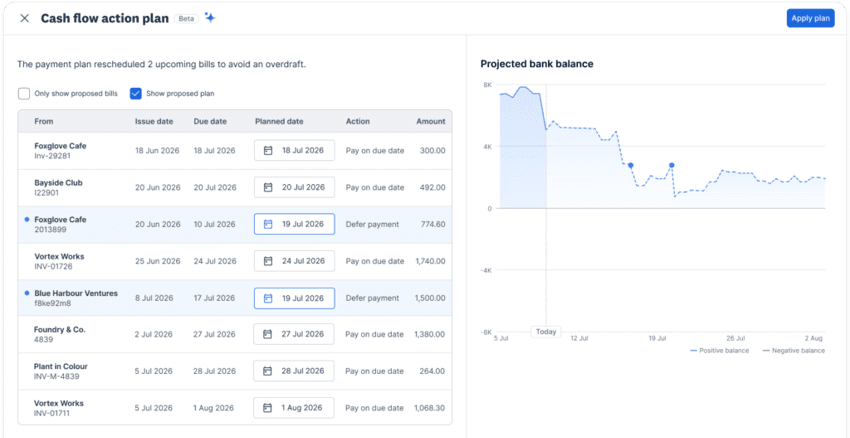
Keeping up with supplier payments is challenging enough for one business, let alone several. Bill management tools help you track outstanding bills, schedule payments and avoid late fees. Some platforms also let you approve bills and pay multiple suppliers in a batch.
For multiple businesses, the key is keeping each company’s bills and payments organized. Don’t assume that a bulk payment feature lets you pay bills across several companies at once. In many platforms, you’ll need to handle payments separately for each business.
Dashboard
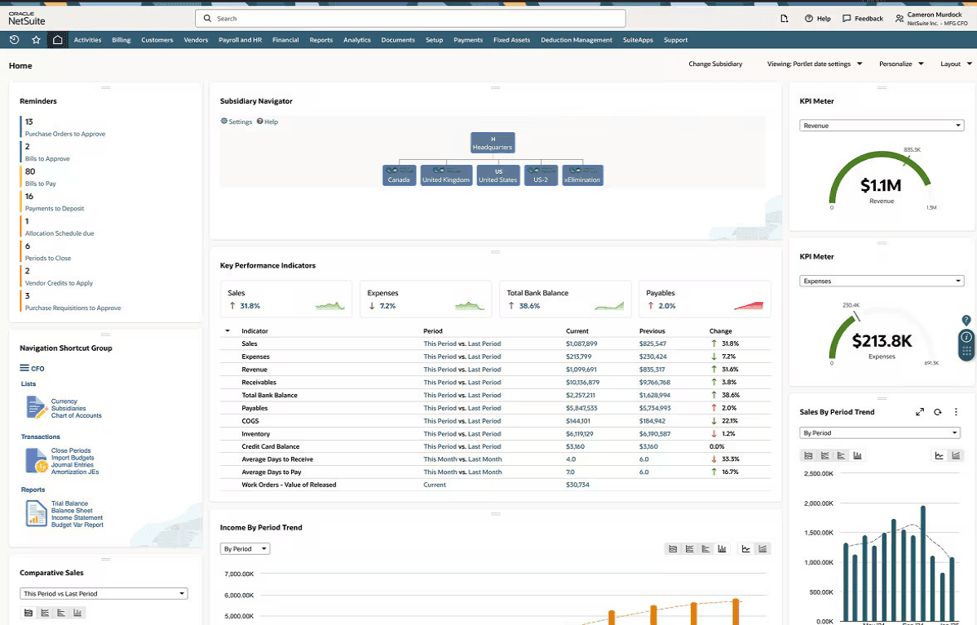
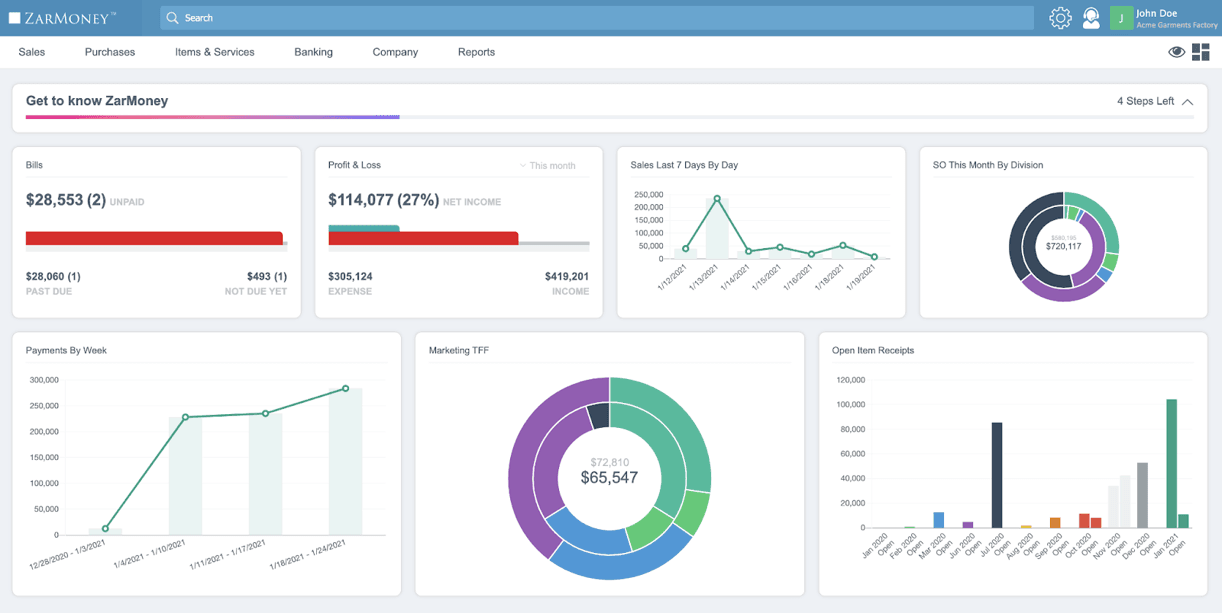
A good accounting dashboard gives you a quick snapshot of your business’s financial health. You should be able to see important figures like cash balances, unpaid invoices, upcoming bills and profits without digging through several reports.
When you’re managing multiple companies, it’s especially helpful to have dashboards you can switch between easily. Some platforms also offer cash flow forecasts and customizable views, so you can focus on the numbers that matter most to each business.
Expense Management
Expense tracking tools help you record purchases, categorize spending and keep physical and digital receipts organized. Many platforms let you upload receipt photos, automatically capture transaction details and match expenses to bank activity.
If employees work across several businesses or locations, look for tools that help you assign expenses to the correct company. Mileage tracking can also be useful for employees who travel for work, although it may require a higher-tier plan or an additional integration.
Financial Reports
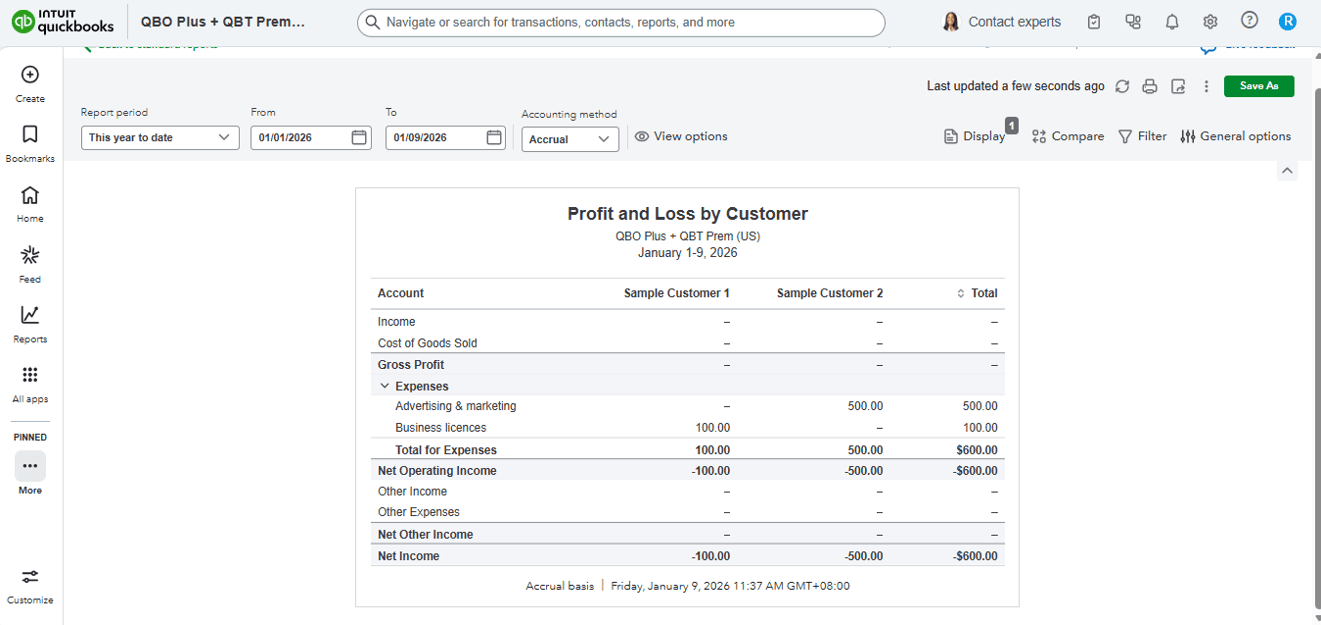
Financial reporting is one of the most important features to consider when managing multiple businesses. At a minimum, you should be able to generate separate profit and loss statements, cash flow reports and balance sheets for each company.
If your businesses are part of a larger corporate structure, you may also need consolidated financial reporting, which combines financial information from multiple subsidiaries into a single set of statements. This can involve currency translation and eliminating transactions between related companies.
Not all accounting platforms can do this automatically. QuickBooks, Xero, FreshBooks and ZarMoney support separate company accounts, while NetSuite OneWorld offers more extensive multi-entity reporting capabilities.
Inventory Management
If your businesses sell physical products, inventory management tools can help you track stock levels, purchases and sales. More advanced systems can monitor inventory across multiple warehouses, manage stock transfers and alert you when it’s time to reorder.
For businesses with several locations, these features can make it easier to see where products are available and avoid overstocking or running out of popular items.
There’s an important distinction, though. Tracking inventory across multiple warehouses isn’t necessarily the same as managing inventory owned by separate legal entities. If your companies buy, sell or transfer products between one another, make sure the software can account for those transactions properly.
Invoices, Estimates and Quotes
Invoicing tools help you bill customers, track outstanding payments and send reminders when invoices are overdue. Many platforms also let you create estimates or quotes and convert them into invoices once a customer approves the work.
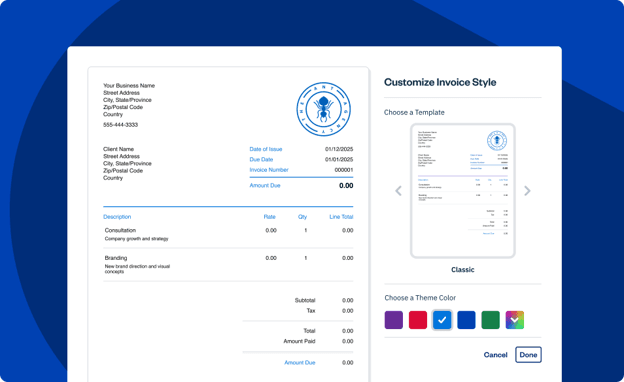
For business owners managing several companies, customization is particularly helpful. Look for software that lets each business use its own logo, contact information and templates to create customized, professional invoices. Recurring invoices and online payment options can also save time and help you get paid faster.
Mobile App
You won’t always be sitting at your desk when you need to check a customer balance or send an invoice. A good mobile accounting app lets you handle everyday tasks from your phone, whether you’re visiting a client, traveling between locations or working remotely.
Look for mobile features like receipt capture, invoicing, expense tracking and financial snapshots. Just remember that mobile apps don’t always include every feature available in the standard version, particularly when it comes to reporting and administrative controls.
Multicurrency Support
If you operate internationally or work with customers and suppliers in other countries, multicurrency support can make your accounting much easier. These tools help you record transactions in foreign currencies and account for exchange rate differences.
Not every plan includes this capability. For example, Xero requires its Established plan for multicurrency transactions. Companies with international subsidiaries may also need currency translation for consolidated financial statements, which is a more advanced capability supported by NetSuite OneWorld.
Sales Tax
Sales tax can get complicated when you’re operating multiple businesses, especially if they sell products or services in different states. Accounting software with sales tax features can help you calculate taxes on transactions, track what you owe and prepare reports. Keep in mind that each business may have different tax obligations depending on where it operates and what it sells.
Don’t assume that sales tax tools automatically handle income taxes,
payroll taxes or tax filings in every jurisdiction. Check what your software actually supports before relying on it for compliance.
Third-Party Integrations
Your accounting software probably won’t be the only technology your businesses use. Integrations can connect it to payroll systems, point-of-sale (POS) software, e-commerce platforms, customer relationship management (CRM) tools and other applications.
These connections can reduce duplicate data entry and help keep financial records up to date. If you’re managing multiple businesses, make sure each company can connect to the systems it uses. Also check whether integrations cost extra and how they handle transactions when something doesn’t sync correctly.
Time Tracking and Billable Hours
For service businesses, time tracking tools make it easier to record employee hours, monitor project costs and bill clients accurately. Some platforms let you turn tracked time directly into invoices, which can save a lot of administrative work.
If you run several service-based businesses, look for tools that let you assign hours to the right company, client or project. You’ll also want to know whether time tracking is included in your plan and whether it connects to your payroll system.
Many of the
best online payroll services offer built-in time tracking or integrate with time tracking tools. If you’re already using payroll software, check whether it can track employee hours and share that information with your accounting system before paying for another solution.