Business.com aims to help business owners make informed decisions to support and grow their companies. We research and recommend products and services suitable for various business types, investing thousands of hours each year in this process.
As a business, we need to generate revenue to sustain our content. We have financial relationships with some companies we cover, earning commissions when readers purchase from our partners or share information about their needs. These relationships do not dictate our advice and recommendations. Our editorial team independently evaluates and recommends products and services based on their research and expertise. Learn more about our process and partners here.
With today's advanced mobile technology, it's possible to run much of your business right from your smartphone. Here's how.


Could you ditch your laptop and operate your entire business from a smartphone? It’s a question many entrepreneurs ask as mobile devices become more powerful and business apps get more sophisticated. Running operations through a mobile-first setup can give you and your team far more flexibility, whether you’re traveling, meeting clients or juggling a busy schedule. A phone-based workflow can also boost productivity by letting you respond quickly from anywhere.
That said, switching to a mobile-run business isn’t always simple. Before you make the leap, you’ll need to look closely at your tools, your workflows and how your team communicates day to day.
In the right industry — and with the right setup — running a business from your smartphone is absolutely possible. Here are a few reasons why:
Many tech-savvy business owners agree that running a business from a smartphone is more than doable.
“Yes, absolutely, you can do so,” said Sinan Eren, co-founder and CEO of Opnova. “Actually, you can especially run a small/midsize business with mobile apps much more effectively over legacy desktop software. … Contract drafting, payment processing, all the way to e-signature apps are the mainstay of scaling an SMB business.”
Yuval Scarlat, former CEO of California-based software firm Capriza, agrees. He notes that small and growing businesses are often the best candidates for a mobile-only setup — but doing it well requires a mindset shift.
“For generations, corporate information was built by the business to serve the back-end office, but [businesses] missed out on providing an easy-to-use experience for a regular user,” Scarlat said. “In our personal lives, we expect a user-centric experience on our mobile devices and mobile apps, and this same expectation is now being carried into the workforce. We’re in the midst of a mobile revolution — one that could very well make everyone mobile-only in the next few years.”
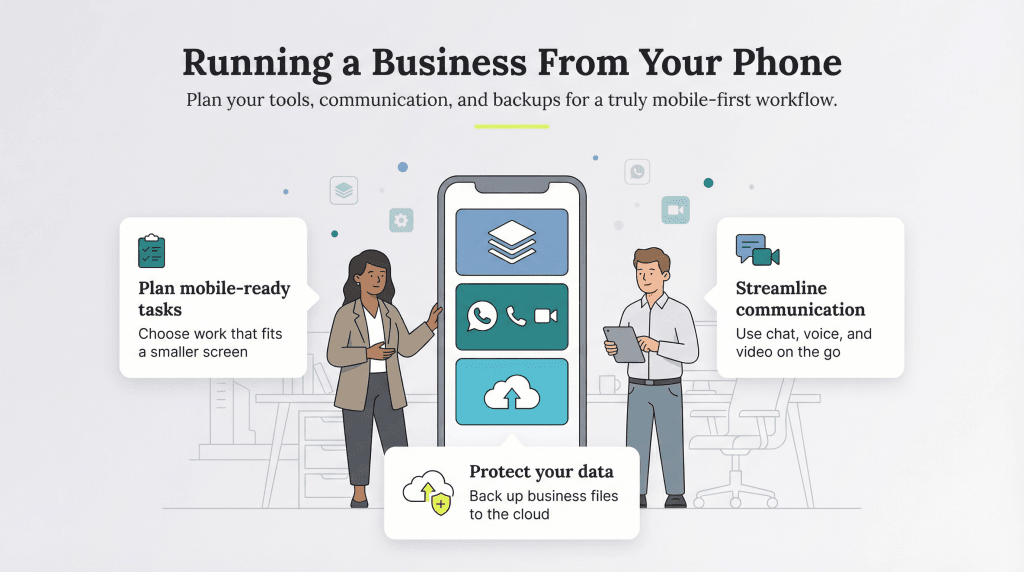
Running your business from a smartphone is absolutely doable, but it takes some planning to make sure your tools and workflows translate well to a smaller screen. Here are the key steps to making a mobile-first setup work.
Start by listing the tasks you handle each day and identify which ones can realistically be done on a phone. Some jobs transition easily; for example, service-based businesses, marketing teams and consultants often find mobile tools more than sufficient. Others, like graphic design or video production, still require specialized software or a larger screen. The goal is to understand where mobile works well and where you may still need occasional laptop or desktop support.
If most of your tasks are phone-friendly, the next step is assembling the right app stack. Look for tools that keep your business organized and help you manage daily operations. Our guide to the best CRM software highlights mobile-friendly options such as Salesforce CRM, which provides CRM features like sales tracking, lead management and campaign-building tools right from your phone. Explore communication, scheduling, payment and project management apps, as well. They’re often the backbone of a mobile-first workflow.
Typing long emails on a small keyboard gets old quickly. This is where mobile communication apps shine. Platforms like Slack and Zoom make it easy to switch conversations to audio or video, which often leads to faster, clearer exchanges. Slack now has roughly 79 million monthly active users, and Zoom sees about 300 million daily meeting participants, underscoring how common mobile communication has become for business.
Many apps also let you take notes during calls or meetings so important details don’t get lost. Relying more on voice and video can help you avoid typing errors and keep conversations efficient.
Because smartphones have less storage than computers, it’s essential to back up your device regularly. A reliable cloud storage service gives you a safe place to keep important files, customer information and conversation history without relying on your phone’s internal storage. If anything happens to your device, your business isn’t at risk; everything you need lives securely in the cloud.
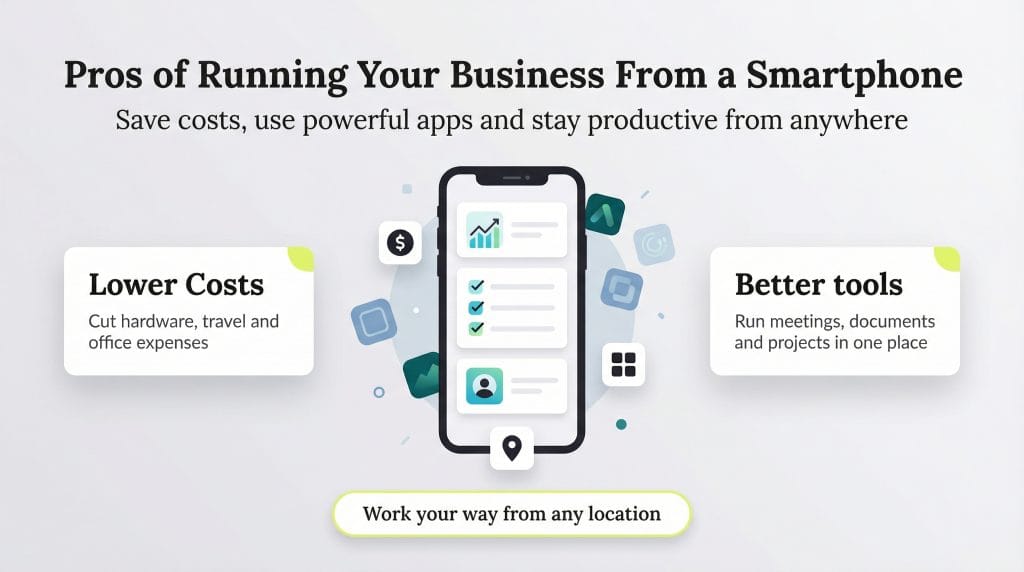
Here are a few ways operating your business via a smartphone can lead to better outcomes.
Smartphones have made it possible to run many parts of your business without traditional office tools or equipment. You can take photos, scan and sign documents, host virtual meetings and manage daily operations right from your hand.
Running your business on a smartphone can reduce costs in a few different ways:
Mobile apps have evolved quickly in recent years, giving business owners more ways to connect, market and stay organized. Many of the tools you need to reach customers are free, especially on social platforms like TikTok and Instagram for business, which make it easy to showcase products and build an audience.
Business apps are in high demand. According to Sensor Tower’s 2025 State of Mobile report, business and productivity apps saw 1.64 billion global downloads in 2024, and the category keeps growing year over year. It’s a good reminder that mobile tools play a major role in how many owners manage their day-to-day work.
There’s also an app for virtually everything else your business needs, such as the following:
These tools, and many more, live on your phone and handle the kind of work that once required desktop software.
“The rapid handling of order flows saves businesses and their employees from repetitive and tiresome clerical work,” Eren explained. “You also have painless legal contracts, payroll and benefits management, and simple payment processing and invoicing, [which] all come in a mobile package nowadays. These apps perform as good, if not better, than their legacy desktop counterparts.”
It may take a little research to determine which apps will work best for your business. But once you find the right combination, your smartphone becomes a powerful, portable command center for everything you do.
For many entrepreneurs, convenience is the biggest reason to run a business from a smartphone. That was the case for Scarlat, who co-founded Capriza in 2011 and made a deliberate decision to run the company entirely from his phone.
“Over the past 25 years, I’d grown frustrated using too many different systems of record in the workplace, spending unnecessary time trying to find pieces of information,” Scarlat said. “I realized that instead of needing in-depth access to the various back-end systems, software and applications at all times, what mattered was having snippets of information readily accessible to me.”
With his phone set up the way he preferred — not the way IT dictated — Scarlat could see everything he needed at a glance: company forecasts, sales leads, marketing dashboards, approvals and associated costs. If he were waiting for a flight, he could quickly check how teams were performing. If something needed urgent approval, he didn’t have to hunt for secure business Wi-Fi or boot up a laptop; he just opened an app and moved on.
That level of flexibility made him more productive, not less. It also changed how he thought about work. Instead of treating business software as something you only access at a desk, he used his phone as a command center he could carry anywhere.
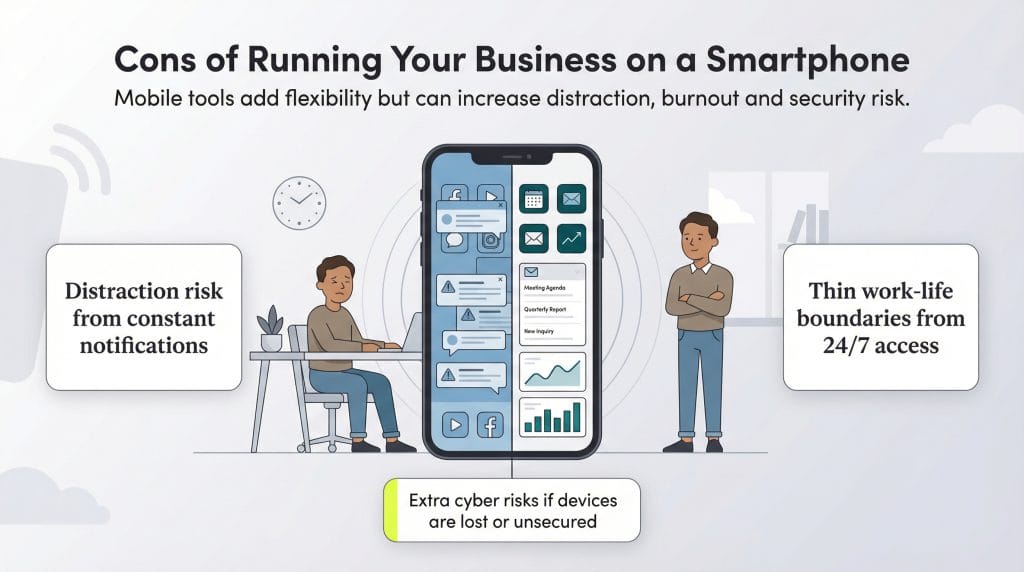
Before deciding to “go mobile” with your business, consider these challenges of using your smartphone for work.
Smartphones make it easy to work from anywhere, but they also make it easy to get sidetracked. You might be in a meeting or focused on a project when a notification pops up. Before you realize it, you’ve spent 20 minutes scrolling. In fact, a widely cited University of California, Irvine study found that it takes workers about 23 minutes to fully refocus after an interruption, which makes smartphone distractions especially costly for productivity. And while features like Focus Mode can help, it’s harder to stay on task when the source of the distraction is already in your hand.
It’s even trickier when the apps you use for work are the same ones you’d normally use for entertainment. If you’re creating content on TikTok, managing social accounts or testing augmented reality tools, it’s easy to fall into a rabbit hole, even when you opened the app with a work intention.
Flexibility is one of the biggest perks of running your business from a smartphone. You can check in on operations from anywhere, jump into tasks when inspiration strikes and stay connected even when you’re away from your desk. But that same flexibility can quietly work against you.
When work is always accessible, it becomes harder to put it down. Many people already struggle with work-life balance issues. Pew Research found that 55 percent of workers say they sometimes respond to work emails or messages outside their regular hours, and 28 percent say they do so extremely often or often. Mobile-first business owners may feel that pressure even more because their primary work tool is the same device they keep with them all day.
When there’s no physical boundary between work and personal time, it becomes easy to respond to “just one more” message or pick up a late-night call. Eventually, that constant availability blurs the line between the two and makes it tough to step away and fully recharge.
Establishing and protecting your limits is essential, but many business owners find this challenging, especially in the early stages when everything feels urgent.
Running your business from a smartphone can also introduce security risks. Mobile devices are easier to lose, more likely to be used on public networks and increasingly targeted by attackers. According to the FBI’s Internet Crime Complaint Center, business email compromise and related mobile-enabled breaches resulted in more than $2.7 billion in losses in 2024. As Eren noted, “businesses can be exposed to increased risk of data theft due to lost or stolen smartphones. Thankfully, this risk can be effectively managed.”
Modern mobile security tools can go a long way in protecting your data, even if a device is lost or compromised. Enterprise mobility management (EMM) systems and zero-trust frameworks give businesses tighter control over who can access what. Many business-grade platforms now include features like biometric or multifactor authentication, encrypted storage and the ability to remotely wipe a device if needed.
Most business leaders agree that the benefits of running your company from a smartphone outweigh the risks, but it’s important to think carefully about your needs and set up the right safeguards before going fully mobile.
Some source interviews were conducted for a previous version of this article.