Today, businesses use text messaging to answer questions, schedule and confirm appointments, resolve issues and provide timely updates. When used thoughtfully, SMS can make customer support faster, more convenient and more responsive. Below, we’ll outline seven ways to use text messaging to support customers and explain how these strategies can help improve customer satisfaction.
How to use text messages for customer service
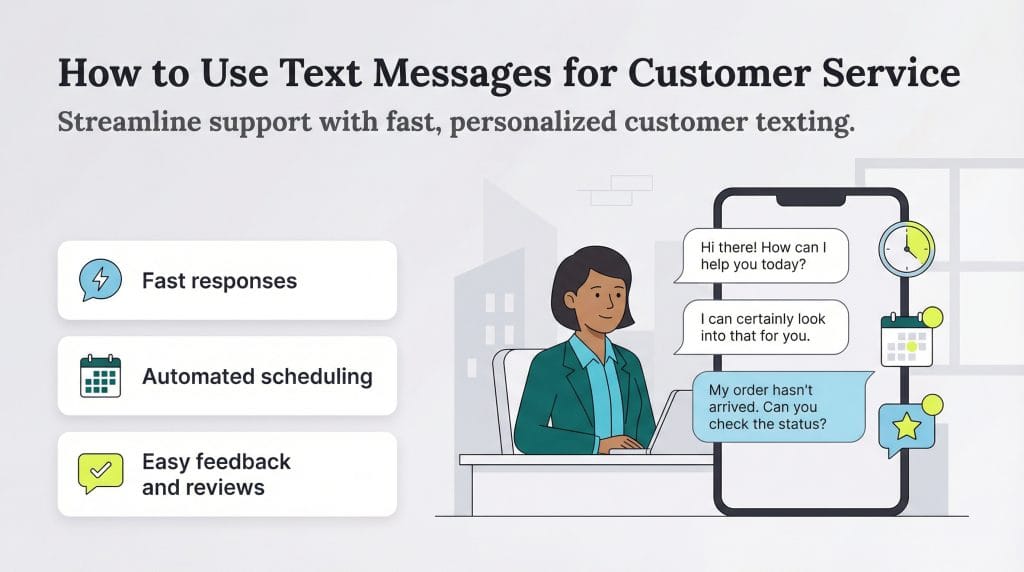
Business texting is commonly used for text message marketing, internal messaging and vendor communications. More recently, businesses have begun using text messaging for customer service because it saves time and makes everyday support interactions easier to manage.
Businesses can use the best text message marketing services for customer service to do the following:
- Send timely and personalized messages to customers
- Respond quickly to customer requests
- Schedule messages to automate the customer service experience
- Use autoresponders to provide instant answers to customer service questions
- Provide appointment reminders and alerts
- Use polls and surveys to collect customer feedback
- Collect Google reviews
MMS and SMS messaging are different forms of business texting. SMS messaging supports alphanumeric messages up to 160 characters, while MMS can also incorporate images and video.
1. Send timely and personalized messages to customers.
Customers expect brands to recognize them as individuals, not ticket numbers. Sending timely, personalized text messages helps businesses build stronger relationships and stay responsive when it matters most. According to HubSpot’s 2024 State of Customer Service report, 78 percent of consumers expect some level of personalization in their interactions with brands. That expectation isn’t theoretical: Twilio found that 26 percent of consumers would stop buying from a brand that doesn’t personalize their experience.
Cyndee Harrison, principal at Synaptic, noted that personalization is one of the biggest advantages of text-based customer service. “In our experience, text messaging is an incredibly powerful tool for customer service because it’s immediate, direct and personalized,” Harrison explained.
It’s also helpful to understand how text messaging compares with other customer communication channels.
- Text vs. email: Email works best when you need to share longer explanations, detailed instructions or brand storytelling content such as marketing campaigns or case studies. Text messaging, by contrast, is more conversational and immediate. It allows businesses to address customers by name, answer quick questions and resolve issues without delay.
- Text vs. phone calls: Phone calls and text messages both support one-to-one communication, but they serve different needs. Text messaging can feel just as personal as a phone call while being easier to manage at scale. Businesses can respond quickly, keep a written record of conversations and handle multiple customer interactions at once, all without putting customers on hold. This level of communication can build rapport and improve customer retention.
You can personalize text messages without overcomplicating the process by following a few best practices:
- Use a text messaging platform that includes customer details, such as first name.
- Introduce yourself and your business at the start of the conversation.
- Greet customers directly rather than using generic openings.
- Close conversations clearly and professionally.
- Keep one-on-one customer messages separate from group or broadcast texts.
Harrison emphasized the importance of keeping service messages distinct from marketing texts. “One of the most common mistakes that I see businesses make is failing to clearly separate these functional messages from promotional or marketing texts,” she cautioned. “This is important so that customers don’t get frustrated by what they perceive as spam and accidentally unsubscribe from vital updates.”
Send customer service texts during regular business hours whenever possible. Depending on your industry, limited after-hours messaging may be appropriate, but avoid late-night or intrusive outreach beyond the
9-to-5 workday.
- Send timely and personalized messages to customers.
2. Respond quickly to customer requests.
Slow response times are a common source of customer frustration. Email often creates delays, with long gaps between messages that make it ineffective for time-sensitive issues. Phone calls can be just as frustrating when customers are placed on hold, routed through automated menus or disconnected before their issue is resolved. When responses take too long, customers may look elsewhere, and bad reviews often follow.
Text messaging removes much of that friction. Customers can read and respond to texts quickly, even while multitasking, which makes conversations faster and more efficient. Ioana Sima, marketing manager for Textmagic, pointed to SMS reliability as a major advantage over email. “They have a 98 percent open rate compared to 20 percent for emails,” Sima explained. “Also, SMS service texting is less susceptible to spam filters, meaning less chances that your messages are lost or deleted.” That reliability helps ensure time-sensitive customer service messages reach customers when they matter most.
Customers also expect faster responses because they’re already using their phones throughout the day. According to Statista, more than 62 percent of global web traffic now comes from mobile devices, making text messaging a natural fit for customer service. Google research supports this shift, showing that 86 percent of users prefer mobile-friendly websites, 75 percent are more likely to return to sites that perform well on mobile, and 65 percent say they’re more likely to buy when usability is strong. Text-based support meets customers where they already are — on their phones — without forcing them to wait on hold or monitor an inbox.
To provide
excellent customer service, respond to inbound text messages as soon as possible. Near-immediate responses are necessary for urgent messages.
3. Schedule messages to automate the customer service experience.
Automation can save a surprising amount of time over the course of a business day. Many routine customer service interactions, especially for online retailers, don’t require a manual response every time. By setting up automated text messages based on common customer actions, businesses can send timely updates without staff needing to intervene.
Automated customer service texts can include:
- Welcome messages
- Payment reminders
- Order confirmations
- Shipping and delivery updates
- Sales receipts
Automation also plays a role in outbound communication. For example, businesses may use scheduled texts to reach larger groups of customers as part of a marketing or engagement effort. Common text message marketing examples include:
- New product announcements
- Alerts about recently published articles or blog posts
- Promotional offers or rewards
- Links to charitable donation pages
To manage these messages, businesses often rely on an automated texting platform, along with one of the best CRM software systems or other integrated tools, to schedule and send texts at the right time.
When used thoughtfully, automated texting helps customer service and marketing teams stay organized and responsive. With this level of business transparency, customers receive clear updates without having to ask, and businesses can answer common questions faster while keeping communication consistent.
4. Use autoresponders to provide instant answers to customer service questions.
Customers frequently contact support teams or visit a business’s website to check on orders, service requests or delivery issues. Text messaging gives them a faster way to ask those questions and get answers without waiting for an email response or sitting on hold.
Autoresponders are an effective way to reduce response times without sacrificing clarity or tone. They also help set expectations, reinforce professionalism and keep customers informed when live support isn’t immediately available, all of which can contribute to good customer reviews. Common uses for autoresponders include sharing business hours, store locations and real-time availability.
Here are some tips for making autoresponders more effective:
- Personalize messages when possible.
- Share an estimated response time so customers know what to expect.
- Include alternate contact options, such as an email address or phone number, for more complex issues.
- Use a friendly, conversational tone.
- Clearly explain next steps.
5. Provide appointment reminders and alerts.
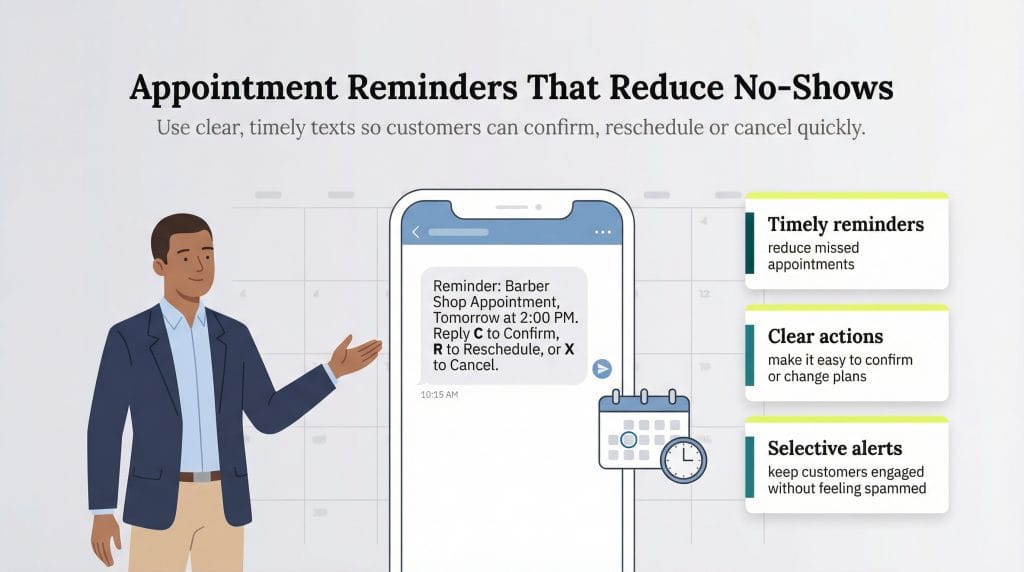
Proactively reminding customers about appointments makes good business sense, as no-shows can be quite costly for service-based businesses. Text reminders help reduce missed or canceled appointments, keeping customers informed, employees productive and schedules running smoothly.
You can set up your text messaging or calendar app to send appointment reminders at key intervals, such as when the appointment is booked, several days in advance and on the day of the appointment. Include a clear call to action that allows customers to confirm, reschedule or cancel without friction.
Kaustubh Deo, president of Blooma Tree Experts, advises focusing on informational messages and avoiding a spammy tone. “[We] have set up several automated text message reminders, such as the day before their estimate appointment [and] the day before their actual work,” Deo explained. “We will also usually send a follow-up text after emailing a proposal just to make sure it didn’t land in their spam folder.”
Beyond appointments, text messaging can also be used to send timely alerts about limited-time offers, seasonal inventory changes, new arrivals or upcoming events. Used selectively, this kind of proactive communication helps keep customers engaged without overwhelming them.
6. Use polls and surveys to collect customer feedback.
Collecting customer feedback helps businesses understand what’s working and where improvements are needed. Traditional methods for gathering survey data, such as long email surveys or paper comment cards, can be time-consuming for customers and often require additional software or administrative effort.
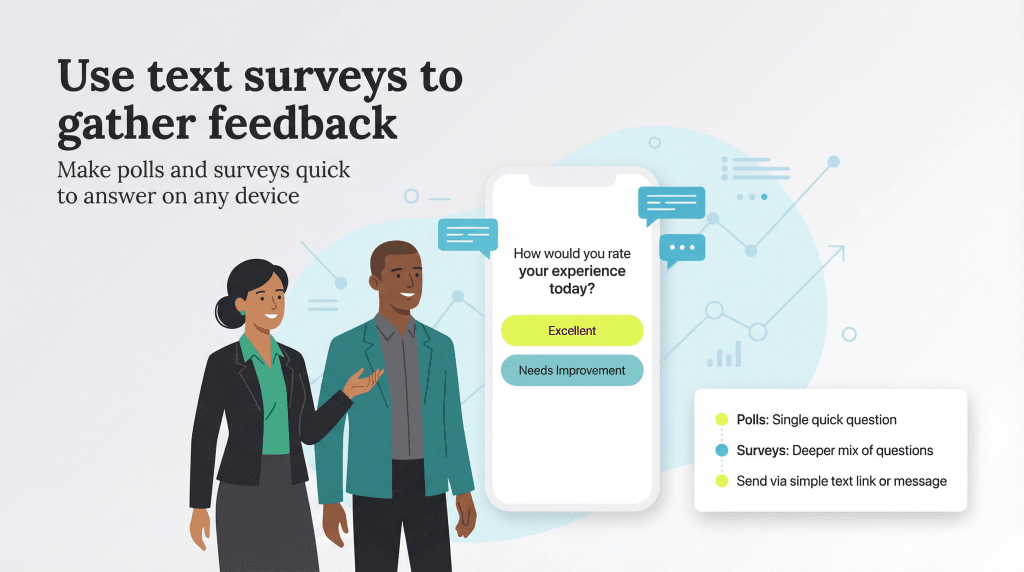
Text-based polls and surveys simplify the feedback process. By sending a short poll or a link to a Google Form via text, businesses make it easier for customers to respond quickly without navigating a long email or separate platform.
While polls and surveys both gather insights, they serve slightly different purposes:
- Polls ask a single multiple-choice question about preferences or opinions and require little analysis.
- Surveys include a mix of question types, such as multiple-choice and open-ended responses, and are often used to calculate metrics like Net Promoter Score (NPS) or Customer Satisfaction (CSAT).
Businesses can deliver polls and surveys via text message in several ways, including:
- A link to a review or survey website
- A multiple-choice poll embedded in the message
- An open-ended question requesting written feedback
- A customer experience survey sent after an interaction
- A quick vote to help inform a business decision
7. Collect Google reviews.
Many customers check Google reviews before visiting or buying from a business, and they often focus on the most recent feedback. Google reviews also play an important role in your SEO strategy by helping improve search visibility and credibility. A steady stream of reviews signals trustworthiness to both potential customers and search engines, while positive feedback reinforces that a business delivers a good customer experience. Monitoring your reviews is also one of the best ways to understand how customers perceive your business.
Text messaging makes it easy to request reviews at the right moment. Sending a brief message shortly after a sale or customer visit (with a direct link to your Google Reviews page) increases the likelihood that customers will leave feedback while the experience is still fresh.
To encourage more positive Google reviews, follow these best practices:
- Complete your Google Business Profile (formerly Google My Business).
- Verify your business information so it appears in Google search results, services and Maps.
- Create a short, easy-to-share link to your Google Reviews page.
- Ask customers for reviews at appropriate moments.
- Respond to online reviews to build trust and show engagement.