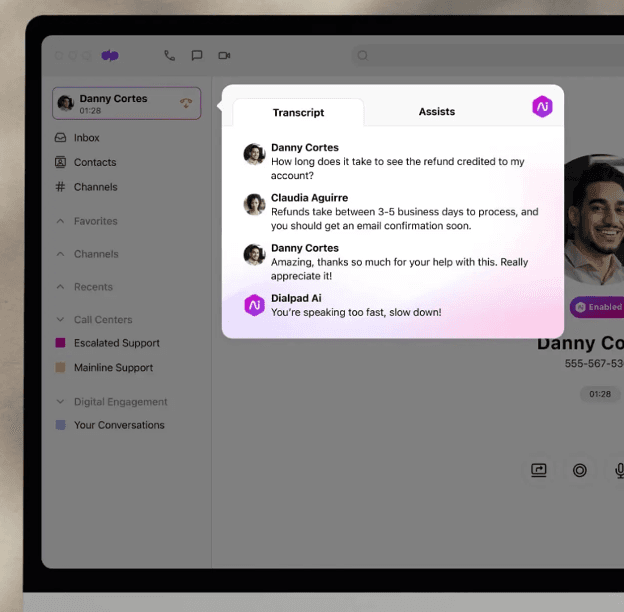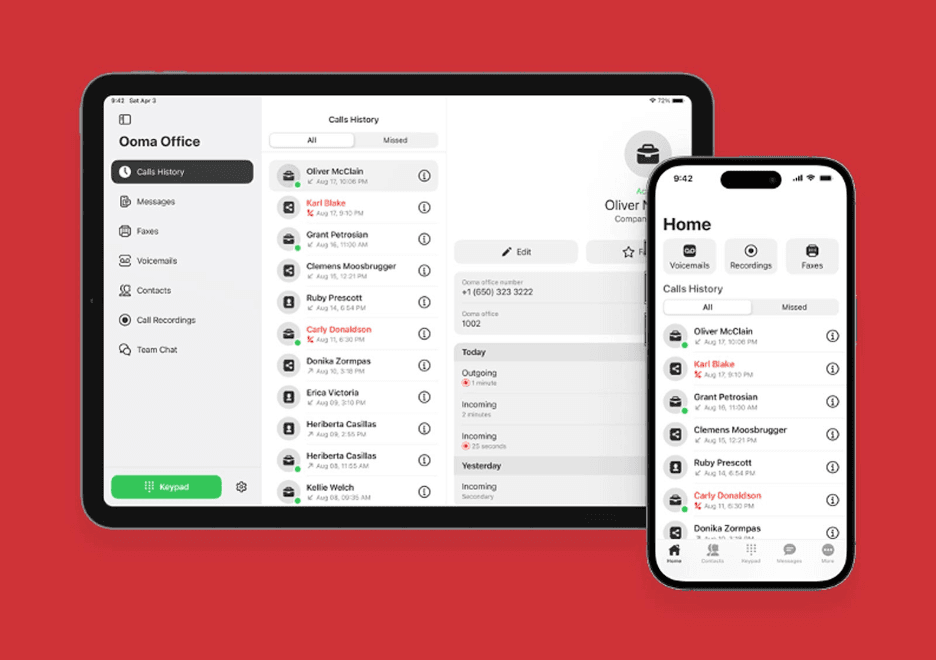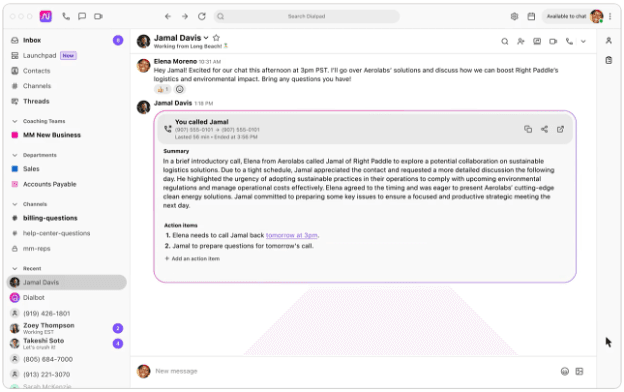
Unified inboxes like this one from Dialpad record your interaction history with each contact. (Source: Dialpad)
The best business phone systems for restaurants provide basic and advanced call management features. Most platforms offer several subscription packages, allowing owners to choose the combination of tools that best suits their budget and establishment. Below are the features we recommend looking for in your phone system.
Auto-Attendant and IVR
Modern restaurant phone services greet callers automatically with a virtual receptionist. For example, the auto-attendant menu may ask the caller to press 1 to place an order, 2 to speak with a manager or 3 to reach the host. Some providers offer an IVR system, which allows for self-service, such as letting customers hear that night’s dinner specials or the business’s hours.
Desktop and Mobile Apps
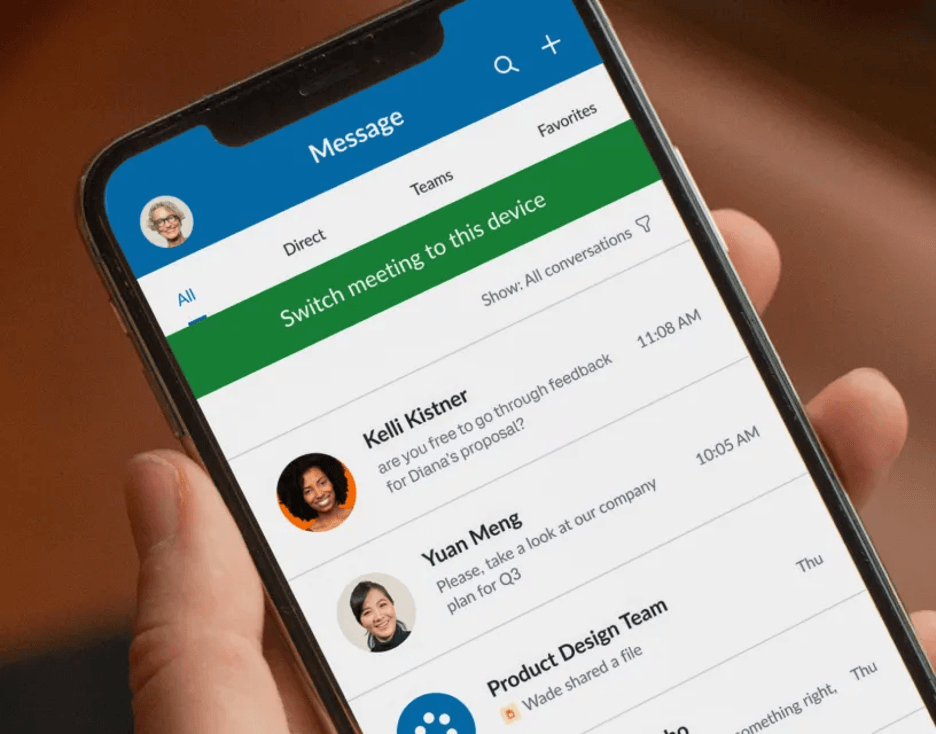
Softphone applications turn mobile phones, tablets and computers into communication devices that allow you to make and receive calls, join video or audio conferences, send faxes or share files while messaging with your kitchen manager. This makes communication more flexible than a traditional landline phone allows. [See how landlines and VoIP systems compare.]
Business Phone Number
Nearly all cloud-based phone system vendors servicing restaurants include a toll-free or local business phone number with their plans. VoIP numbers aren’t bound to a dedicated line, meaning you can log in to your account from any internet-connected device and access your phone service.
Call Forwarding
With call forwarding, you can automatically send inbound calls to another number, including your cell phone, landline or voicemail. This feature is invaluable for restaurant proprietors who need to handle an emergency or grab supplies midday but still must be available to accept incoming calls.
Ring Groups
Growing restaurants experiencing high call volumes can decrease caller wait times with the ring groups tool. When, for instance, a customer presses 1 for reservations or takeout, this feature rings all lines associated with the ring group, either in a sequence or simultaneously, so the caller can reach a staffer faster.
Overhead Paging
Cloud-based phone systems also support internal communications. Several VoIP providers offer intercom or overhead paging features. Aside from letting customers know when their tables are ready, an announcement service can help when a guest leaves their vehicle lights on in the parking lot, for example. During the dinner rush, it’s much easier to make a restaurant-wide announcement via your phone system than to ask your servers to go table to table.
Voicemail
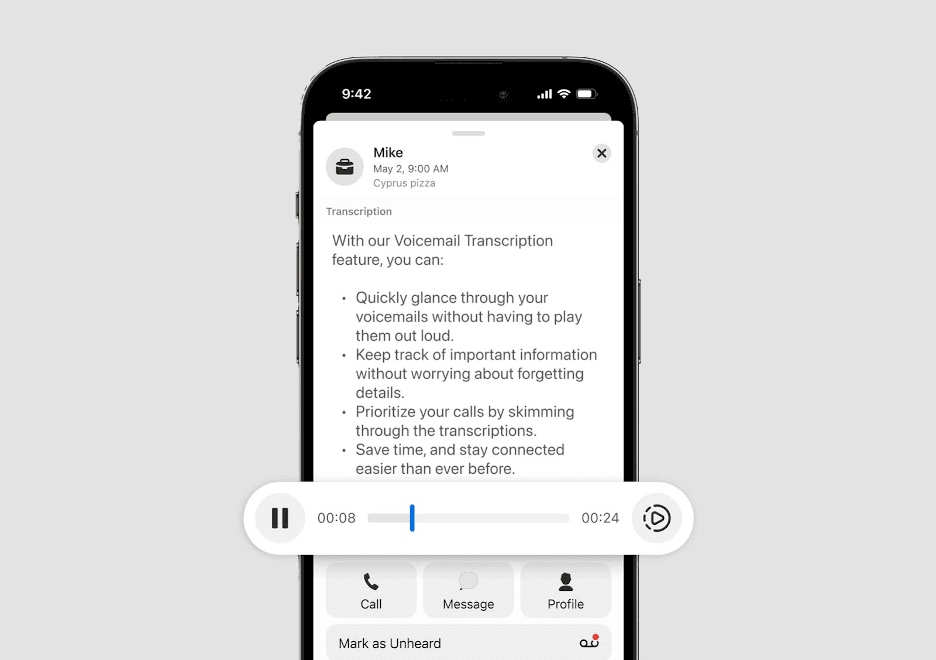
Voicemail comes standard with restaurant phone systems, but it’s also common to see visual voicemail tools, like voicemail-to-email or voicemail-to-text options. Because many users expect transcribed voicemails today, VoIP platforms now transcribe voice messages so you can scan your messages behind the counter discreetly instead of listening to the audio.
Call Flip and Multiring
Call flip and multiring tools are must-have features for restaurant managers and owners. Suppose you start a conversation with a supplier in the back office but need to confirm details in the stockroom. In that case, you’d appreciate the ability to seamlessly switch a call from your desk phone to your cell phone. Call flip is the answer. With multiring, calls to your business number can ring your cell phone and office phone (or any device you choose) so you never miss a call. With either tool, you have the opportunity to take a business call wherever you are.
Hold Music and Messaging
Several restaurant phone systems have hold music or messaging capabilities. These features let you upload tunes that match your brand or insert a promotional message to play while a caller is on hold. While quickly answering a customer’s call is always ideal, on-point messaging and music are better than dead air in the interim.
Call Reports and Analytics
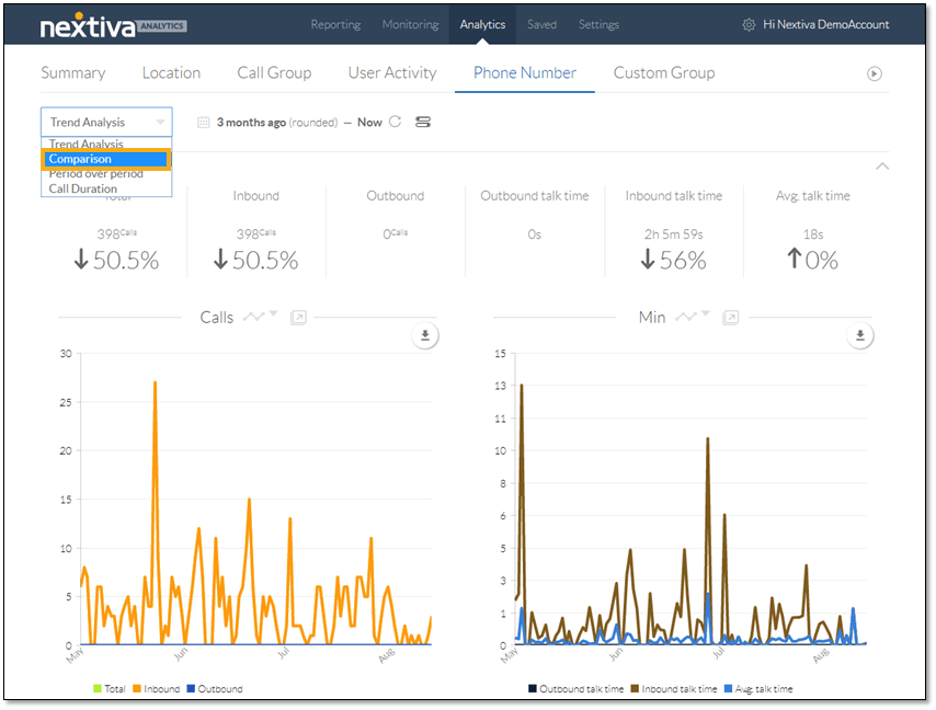
Business intelligence and reporting tools vary by provider. At a minimum, VoIP services provide call logs with records of inbound and outbound calls. Advanced systems can analyze call queues, customer sentiment and more. With insights gleaned from these metrics, restaurant owners can adjust business hours and labor to ensure phone coverage and maximum profitability.
Nextiva, RingCentral and Dialpad offer standard and add-on voice analytics tools. These AI-powered features provide details about caller sentiment and can help restaurant owners decide when to hire or schedule more staff to meet higher call volumes.
Call Queues
Typically found on higher-priced plans, call queues are best for restaurants with high call volumes. This feature places callers in a waiting line until someone can speak with them. Sophisticated phone systems with call queues allow fast-paced eateries to manage multiple phone lines and guest needs (such as delivery, takeout, reservations, complaints, multilocations and catering) more easily.
Third-Party Integrations
Most internet-based phone systems connect to Microsoft and Google calendars and contact books. Some sync with point-of-sale (POS) or CRM systems, like HubSpot, Salesforce and Zendesk. However, most VoIP phone services don’t have built-in integrations for reservation platforms, online ordering systems or employee scheduling tools. One of the best restaurant POS systems can help with those needs.
Video Conferencing
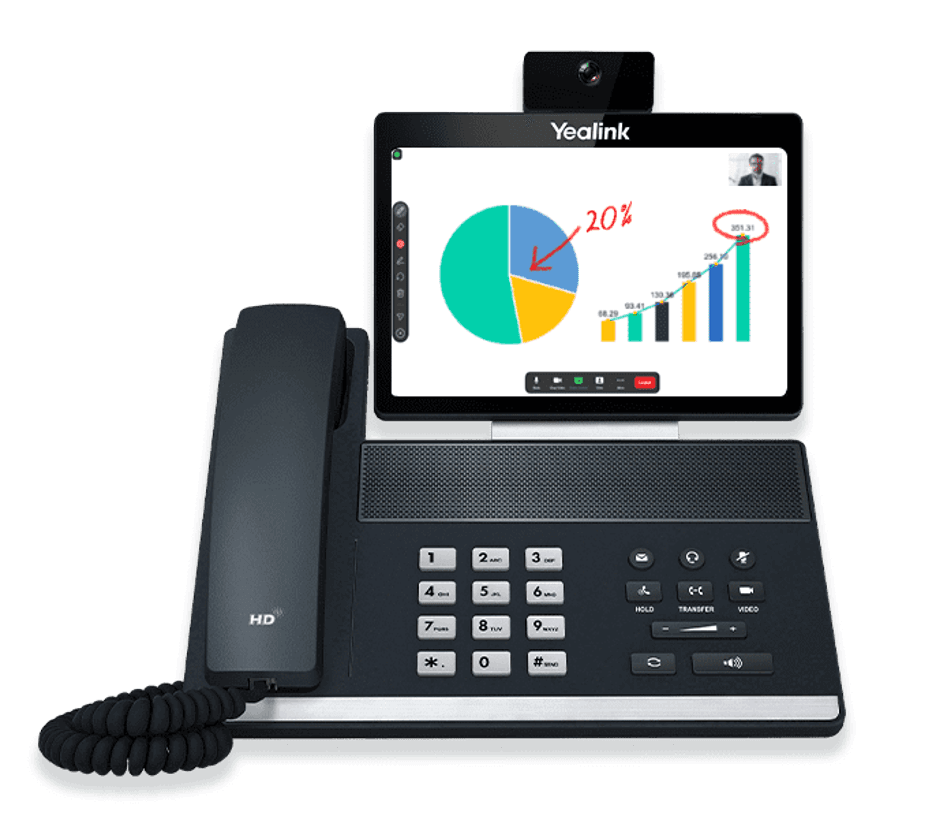
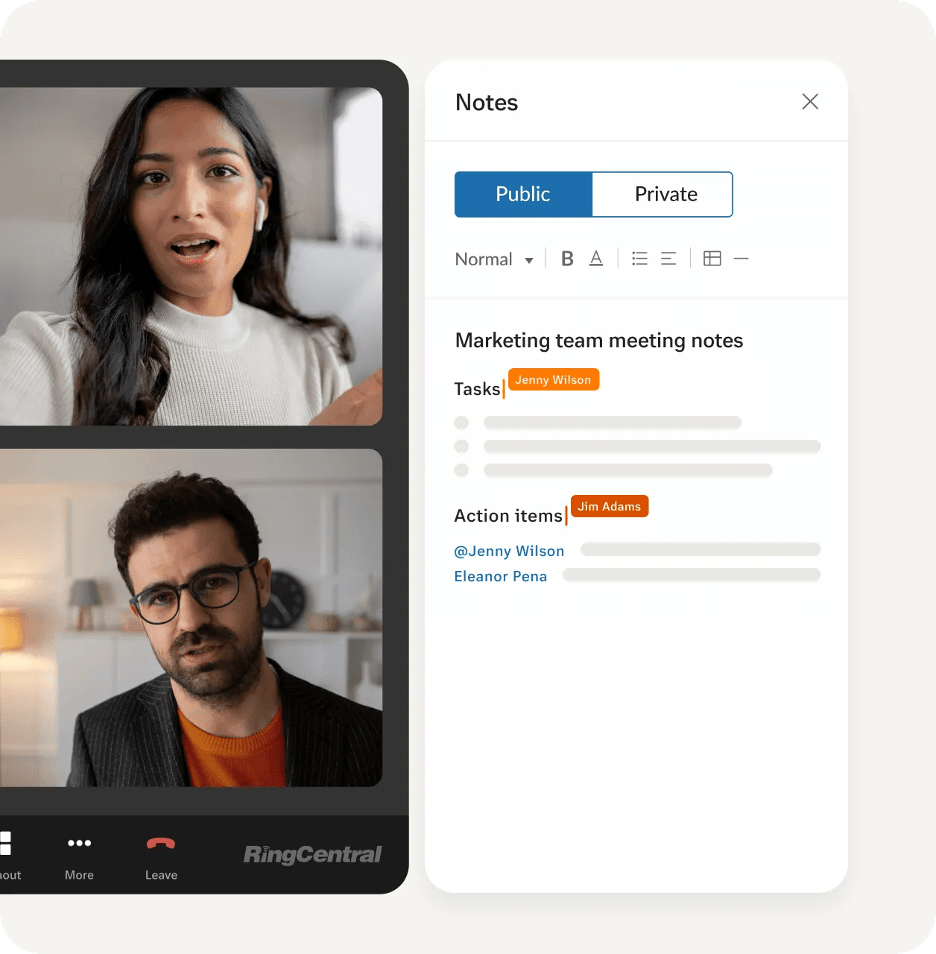
Although restaurant owners and managers use video conferencing less than other business professionals do, this feature still comes in handy when, for instance, you want to negotiate pricing face-to-face with vendors or landlords. As another example, multilocation establishments can pull their management team together in one virtual room to prepare for upcoming events via a video call. Most VoIP services have basic video conferencing tools, including screen sharing and recording.
Team Messaging and SMS
A cloud-based business phone system often unifies several communication methods on a single platform so your staff and guests aren’t limited to voice calls. Consider using private and public chat messaging rooms via your phone system to improve employee onboarding, training and feedback experiences. You can use texting to communicate with both team members and guests.
Failover Solutions
Some VoIP providers offer failover options in case an internet outage takes your platform offline. You can configure lines to automatically forward to alternate phone numbers, an internet service provider or a failover connection.
Your establishment almost certainly requires
top business internet services for several tools (such as your payment processor and POS system). An uninterruptible power supply, specialized router backup device or a generator may be a better option than a failover solution. Talk through the possibilities with both your internet service provider and phone system vendor.