Business.com aims to help business owners make informed decisions to support and grow their companies. We research and recommend products and services suitable for various business types, investing thousands of hours each year in this process.
As a business, we need to generate revenue to sustain our content. We have financial relationships with some companies we cover, earning commissions when readers purchase from our partners or share information about their needs. These relationships do not dictate our advice and recommendations. Our editorial team independently evaluates and recommends products and services based on their research and expertise. Learn more about our process and partners here.
These 11 apps are powerful tools for keeping in touch with your team wherever work takes you.


No matter where they’re located, today’s work teams have more ways than ever to stay connected. It’s entirely possible now to collaborate with a colleague in Los Angeles while you’re in the New York office, or to have your entire team working remotely from home around the country.
But just because teams can stay connected doesn’t mean they always do. Gallup’s 2025 State of the Global Workplace report found that distributed teams are feeling increasingly disconnected, and global employee engagement has dropped to just 21 percent, a combination that can make communication and collaboration harder than it needs to be. That’s where the right mobile tools come in. Spoken conversations, project updates and team bonding can get lost in a remote or hybrid setting, but mobile apps can help bridge the gap and keep everyone on the same page, no matter where work takes them.
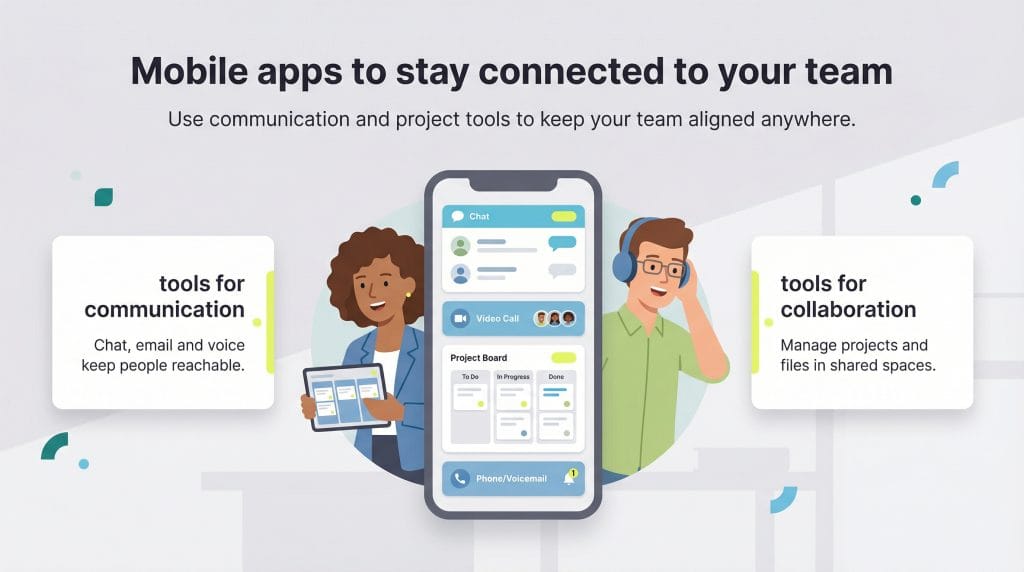
Here are 11 mobile tools to keep everyone on your team in sync, no matter where they’re operating from.
Mobile App | Pricing | What It Does |
|---|---|---|
Asana | • Personal: Free • Starter: $10.99/user/month (annual) • Advanced: $24.99/user/month (annual) • Enterprise: Custom pricing | Project management tool that helps teams map out projects, set goals, create visual timelines, track contributions, and generate progress reports in one centralized platform. |
Basecamp | • Free: 1 project • Plus: $15/user/month (annual) • Pro Unlimited: $299/month (annual) | Organizes business workflows by keeping emails, files, task lists, chats, and meeting details in one place. Includes group chat, message boards, to-dos, scheduling, automated check-ins, and document storage. |
Boomerang for Gmail | • Basic: Free (10 message credits/month) • Personal: $4.98/month (annual) • Pro: $14.98/month (annual) • Premium: $49.98/month (annual) | Gmail extension that adds scheduled sending, follow-up reminders, AI-assisted writing, read receipts, response tracking, and Inbox Pause feature to delay incoming emails. |
Confluence | • Free: Up to 10 users • Standard: Starting at $6.17/user/month (annual) • Premium: Starting at $11.98/user/month (annual) • Enterprise: Custom pricing | Captures ideas and documents project information on any device. Syncs work across devices, supports collaborative pages, whiteboards, and spaces with various permission levels. |
Google Voice and Gmail | Gmail: Free for personal use Google Workspace: $7-$22/user/month (annual) or custom Google Voice: Free or $10-$30/user/month | Gmail provides organized email communication; Google Voice adds business phone number for calls, texts, and voicemail across devices. Together they create unified communication system. |
Slack | • Free: Basic features, 90-day message history • Pro: $8.25/user/month (annual) • Business+: $15/user/month (annual) • Enterprise Grid: Custom pricing | Instant messaging app for business communication with dedicated channels, direct messaging, audio/video meetings, file sharing, and real-time team collaboration. |
Trello | • Free: Unlimited cards, up to 10 boards • Standard: $5/user/month (annual) • Premium: $10/user/month (annual) • Enterprise: Starting at $17.50/user/month (annual) | Visual project management using customizable boards and cards. Teams track work progress through columns representing project stages, with checklists and custom fields for organization. |
Free (optional in-app purchases available) | China’s primary messaging app enabling communication between U.S. and Chinese teams through messaging, voice calls, and file sharing, working consistently within China’s internet restrictions. | |
Viva Engage | Included with Microsoft 365: • Business Basic: $6/user/month (annual) • Business Standard: $12.50/user/month (annual) • Business Premium: $22/user/month (annual) • Viva Suite: Starting at $12/user/month | Social networking and messaging platform within Microsoft ecosystem. Connects employees across departments for questions, conversations, updates, and company news sharing. |
Zoom | • Basic: Free (40-min meetings, 100 participants) • Pro: $13.33/user/month (annual) • Business: $18.33/user/month (annual) • Enterprise: Custom pricing | Industry-standard video conferencing platform for one-on-one conversations and large team meetings, with collaboration tools, screen sharing, and optional business phone system. |
Microsoft Teams | • Teams Essentials: $4/user/month (annual) With Microsoft 365: • Business Basic: $6/user/month (annual) • Business Standard: $12.50/user/month (annual) • Business Premium: $22/user/month (annual) | Workplace communication platform combining chat, video meetings, and file sharing. Integrates with productivity tools like Dropbox, Trello, and Microsoft Office. |
Asana is a project management tool that helps teams stay aligned and move work forward together. You can map out projects, set strategic goals, create visual timelines and track individual contributions in one place. Asana also generates helpful reports so managers can see progress at a glance and identify clear next steps that improve workflow and increase productivity.
Asana offers several plans to fit businesses of all sizes. Its Personal plan is free and great for individuals or two-person teams, offering unlimited tasks, projects, messaging and more. The Starter plan ($10.99 per user, per month when billed annually) adds timeline views, workflow automation and advanced reporting. The Advanced plan ($24.99 per user, per month when billed annually) includes portfolio management, workload tracking and goal-setting tools. Enterprise plans with enhanced security and admin controls are available with custom pricing.
Many teams struggle with staying organized, especially when they aren’t working in the same location. Basecamp helps organize your business by simplifying even the most complex workflows and keeping everything in one place, including emails, files, task lists, spreadsheets, chats and meeting details. As a project management app, it lets users break a project into sections and assign them to the appropriate team members. Its six core tools include group chat, message boards, to-dos, scheduling, automated check-ins and documents/files.
Basecamp offers a free plan that supports one project, with the option to upgrade as your needs grow. Its paid plans include Basecamp Plus ($15 per user, per month when billed annually), designed for freelancers, startups and small teams. This tier supports unlimited projects and includes 500 GB of storage. A 30-day free trial is available if you want to test it first.
For larger teams, Basecamp Pro Unlimited ($299 per month, billed annually) offers unlimited users, unlimited projects, timesheets, advanced admin tools, priority support, 5 TB of storage, personalized onboarding and more. It also comes with a generous 60-day trial.
Email is one of the biggest barriers to staying connected. It’s useful for sharing information, but it often slows productivity and creates opportunities for miscommunication. Boomerang for Gmail helps minimize those issues. The extension adds helpful controls such as scheduled sending, follow-up reminders, AI-assisted writing and an Inbox Pause feature that delays incoming emails until you’re ready to see them.
Boomerang offers a free Basic plan with 10 message credits per month and many of its email-scheduling tools. Three additional paid tiers — Personal ($4.98 per month, billed annually), Pro ($14.98 per month, billed annually) and Premium ($49.98 per month, billed annually) — include unlimited message credits and advanced features like read receipts, response tracking and meeting-scheduling capabilities.
Sometimes, inspiration strikes when you’re nowhere near your work computer. Confluence keeps you connected wherever you are by helping you capture ideas on the go. You can write business notes, import files and images, and turn rough thoughts into structured pages right from your phone. Through Confluence Cloud, your work syncs across all your devices and instantly updates for any teammates you’ve shared it with.
For small or self-managing teams, Confluence offers a free plan that documents project information and decisions for up to 10 users. Larger teams can upgrade to Standard (which includes free guest access, advanced permissions and support for up to 150,000 users per site), Premium (which adds unlimited Pages, Spaces, Whiteboards and storage, plus additional admin controls) or Enterprise (which supports unlimited automations, up to 150 sites and other enterprise-level features).
Pricing varies by plan, team size and whether you choose monthly or annual billing. For example, a team of 150 users would pay $6.17 per user, per month (annual billing) on the Standard plan or $11.98 per user, per month on the Premium plan. The best approach is to identify the features you need, determine your user count and choose the plan that fits your budget.
Gmail and Google Voice give teams an easy way to stay connected across devices, especially when people are working remotely. Gmail keeps communication organized with a simple, familiar inbox, and Google Voice adds a business phone number you can use to call, text or check voicemail over Wi-Fi from any device.
Here’s how the paid options are organized:
For business calling, you can either add Google Voice to a Workspace plan or use a Voice-only subscription. Google Voice business plans are as follows:
Together, Gmail and Google Voice give teams a flexible way to stay reachable and keep communication unified across devices.
Most employee interactions don’t need to happen in meetings or over email. A quick message can bring someone up to speed, answer a question or share a file without interrupting everyone’s day. Slack is an instant messaging app built for business communication, allowing teams to stay connected in real time. Managers can message the entire organization or create dedicated channels for departments and projects. Team members can also direct message one another to ask quick questions or chat during downtime.
Slack offers a free plan with essential features, including one-on-one messaging, audio and video meetings and 90 days of message history. For group meetings, unlimited message history and more advanced tools, Slack’s paid plans include Pro ($8.25 per user, per month when billed annually), Business+ ($15 per user, per month when billed annually) and Enterprise Grid (custom pricing for organizations that need enterprise-level security and compliance).
Trello is a flexible project management app you can use on the web, on mobile devices or through its desktop application. It’s also a helpful tool for sharpening your team’s project management skills, since its visual boards make it easy to map out work and track progress in real time. Teams organize work using customizable boards, creating columns that represent each stage of a project. Cards move from one column to the next as tasks progress, giving everyone a clear view of what’s underway and what needs attention. Inside each card, team members can add details, checklists and custom fields to keep work organized and moving forward.
Smaller teams can use Trello’s free plan for basic organizational needs. It includes unlimited cards, up to 10 boards per workspace and basic integrations. Larger teams or those managing more complex projects can upgrade to Standard ($5 per user, per month when billed annually), Premium ($10 per user, per month when billed annually) or Enterprise (starting at $17.50 per user, per month when billed annually), depending on the size and scope of their work.
Some communication tools can be difficult to use with teams in mainland China because of local internet restrictions. WeChat helps solve that problem. It’s one of China’s primary messaging apps and allows users in the U.S. and China to communicate more easily.
WeChat supports clear messaging, voice calls and file sharing, and it generally works more consistently inside China than platforms like Slack, Facebook Messenger or WhatsApp, which may be blocked or limited by the country’s firewall. The app is free to download and use for basic communication, though WeChat also offers optional in-app purchases and mini-program services.
Because WeChat is so widely adopted in China, it can be a helpful tool for cross-border communication, especially in situations where Western apps can’t be accessed.
Microsoft’s Viva Engage (formerly Yammer) helps teams organize communication and streamline processes inside a familiar Microsoft environment. In addition to messaging and collaboration tools, Viva Engage offers a social networking layer that helps employees connect across departments and levels. Team members can ask questions, join conversations, share updates and stay informed about company news and ongoing projects.
Viva Engage is included with Microsoft 365 plans, which also provide email, file storage, chat and other productivity tools. Pricing for Microsoft 365 starts with Business Basic at $6 per user, per month, Business Standard at $12.50 per user, per month and Business Premium at $22 per user, per month (all billed annually). For organizations that want more robust capabilities — such as employee feedback surveys, insights and leadership tools — Microsoft Viva Suite is available separately, starting at $12 per user, per month.
Zoom is widely considered the industry standard for video conferencing. It gives employees the flexibility to host everything from quick one-on-one conversations to large team meetings.
Zoom’s free Basic plan allows meetings of up to 40 minutes for up to 100 participants. For teams that need longer sessions or more features, Zoom offers several paid plans. The Pro plan ($13.33 per user, per month when billed annually) includes meetings up to 30 hours and additional collaboration tools. The Business plan ($18.33 per user, per month when billed annually) adds enhanced admin controls, company branding and support for meetings with up to 300 participants. Enterprise plans (custom pricing) support larger organizations with unlimited cloud storage, advanced features and meetings of up to 1,000 participants.
Microsoft Teams is one of the most popular workplace communication platforms, helping employees collaborate through chat, video meetings and file sharing. It also integrates with many common productivity tools, including Dropbox, Trello and the Microsoft Office suite, making it easy to centralize communication and project work in one place.
Businesses can purchase Microsoft Teams as a standalone app through the Microsoft Teams Essentials plan ($4 per user, per month when billed annually). To use Teams alongside Microsoft 365 apps and cloud storage, you’ll need one of the Microsoft 365 Business plans: Business Basic ($6 per user, per month), Business Standard ($12.50 per user, per month) or Business Premium ($22 per user, per month when billed annually).
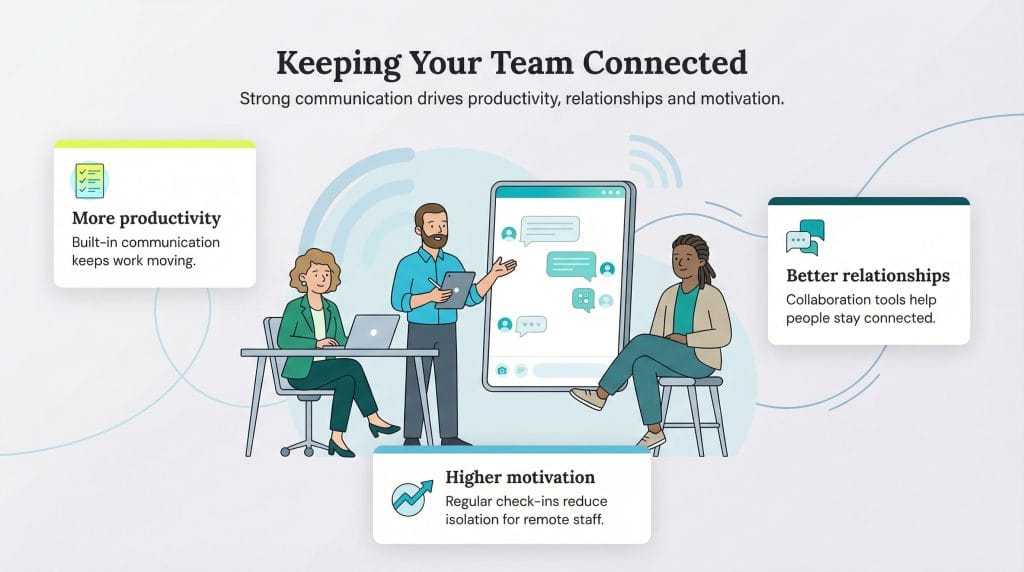
Staying connected to your team is critical for maintaining efficiency and engagement, especially in remote and hybrid workplaces. Here are a few reasons why this connection matters:
Scott Gerber and Sean Peek contributed to this article.