Website builders come with numerous and varied features, but some will matter more to your business than others. You may not need every tool right away, so think about what your website needs today and what you may want to add as your business grows. Here are some top features to consider:
User-Friendly Design Tools
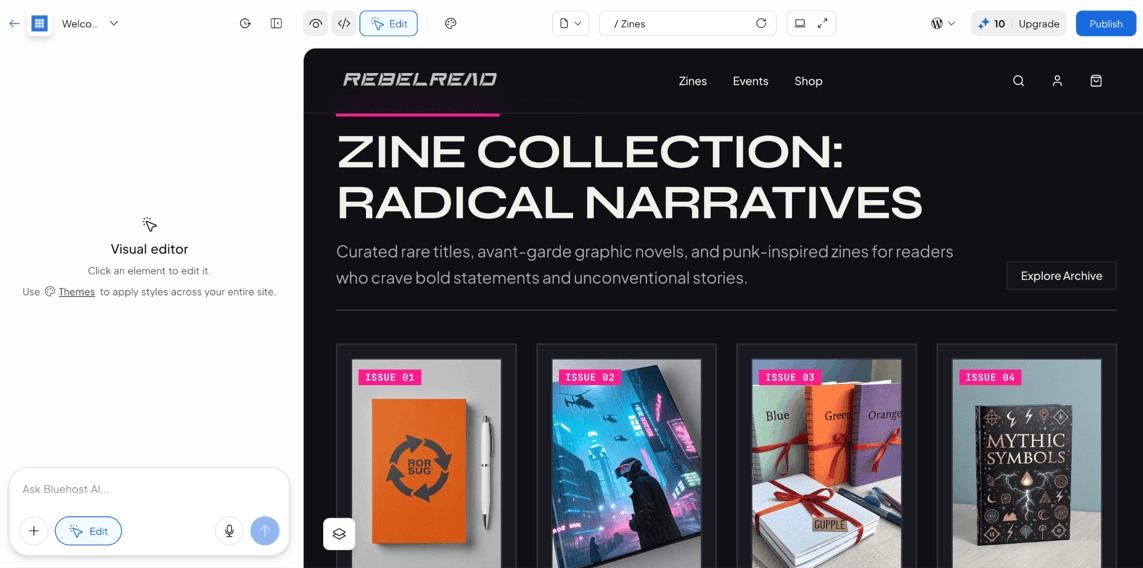
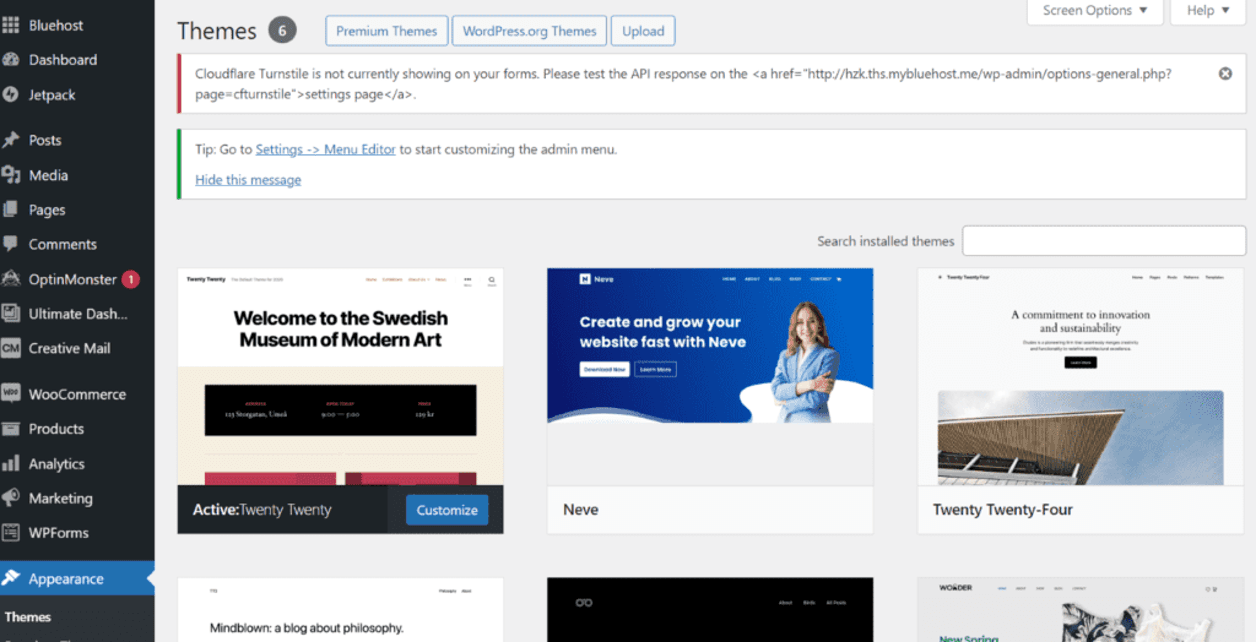
A website builder should make it relatively easy to create and update your site without coding. Look for customizable templates, drag-and-drop editing and tools that let you change layouts, fonts, colors and images. A WYSIWYG editor can also help you see how changes will look as you make them.
Businesses that want more control may also value access to HTML, CSS or custom code. The right balance depends on your skill level: Beginners may prefer a guided editor, while more experienced users may want the freedom to make deeper customizations.
AI Tools
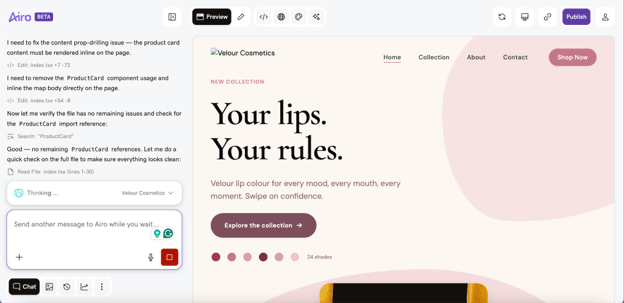
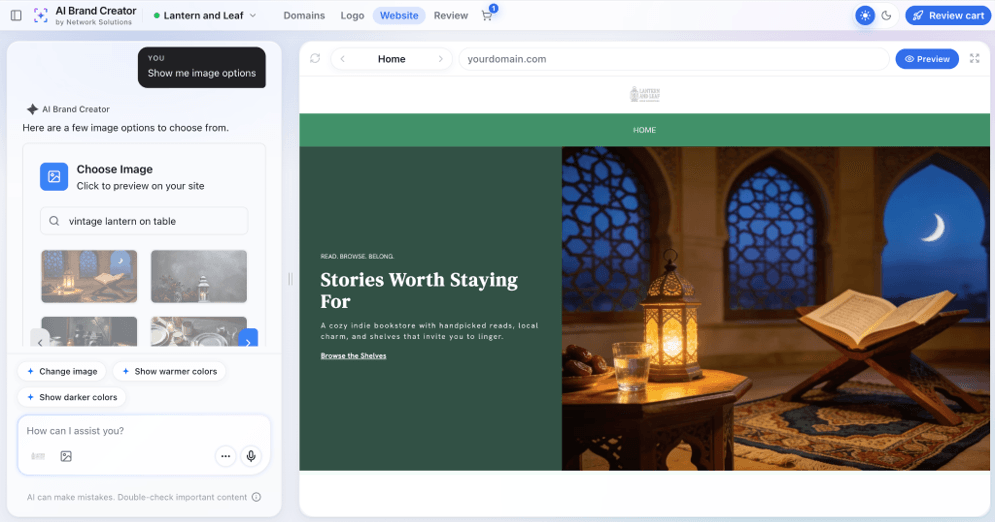
AI has become a major part of website building. Depending on the platform, AI tools can generate an initial website based on a description of your business, suggest layouts, write and edit copy, create images and help develop product descriptions or SEO content.
Consider how much control you retain over AI-generated designs and content. The best tools give you a useful starting point while still letting you edit the layout, content and design yourself. If you prefer to build from scratch, make sure AI is optional rather than the only way to create your site.
Responsive Web Design and Mobile Optimization
Your website should look and function properly whether someone visits from a computer, tablet or phone. Look for responsive web designs that automatically adjust to different screen sizes, along with tools that let you preview the mobile version before publishing.
Mobile optimization matters for search visibility too. Google uses the mobile version of your site for indexing and ranking, so a responsive design can help ensure your site works well for both visitors and search engines.
Scalability
Look for a website builder that can accommodate your business as it grows. Check the provider’s higher-tier plans, integrations, customization options, storage and traffic limits and e-commerce capabilities. If you eventually need functionality the platform doesn’t support, moving an established website can be considerably more work than choosing a scalable platform from the beginning.
JD Lloyd, business development manager at Bella Virtual Staging, told us he wished his team had spent more time considering scalability when it chose a website builder. “Think about where you want your business to be in a few years, not just where it is now,” Lloyd advised. “Your website should be able to grow with you.”
E-Commerce
If you plan to sell online, look beyond whether a website builder simply supports e-commerce. Compare product limits, payment processors, transaction fees, inventory management and shipping tools. Depending on your business, you may also need subscriptions, appointment booking, digital products or social and multichannel selling.
Even if you aren’t ready to sell online yet, consider whether the platform gives you the option to add e-commerce later. Moving your entire website because you’ve outgrown its selling tools can be considerably more complicated than upgrading your existing plan.
A professional website can help you
build trust with e-commerce customers, but design is only part of it. Clear return and shipping policies, secure checkout, recognizable payment options and easy-to-find contact information can all reassure shoppers before they buy.
SEO and Analytics
Look for tools that help people find your site and show you what they do once they arrive. Website builders commonly include SEO settings for page titles, descriptions, URLs and other elements, while some offer more advanced SEO guidance and tools.
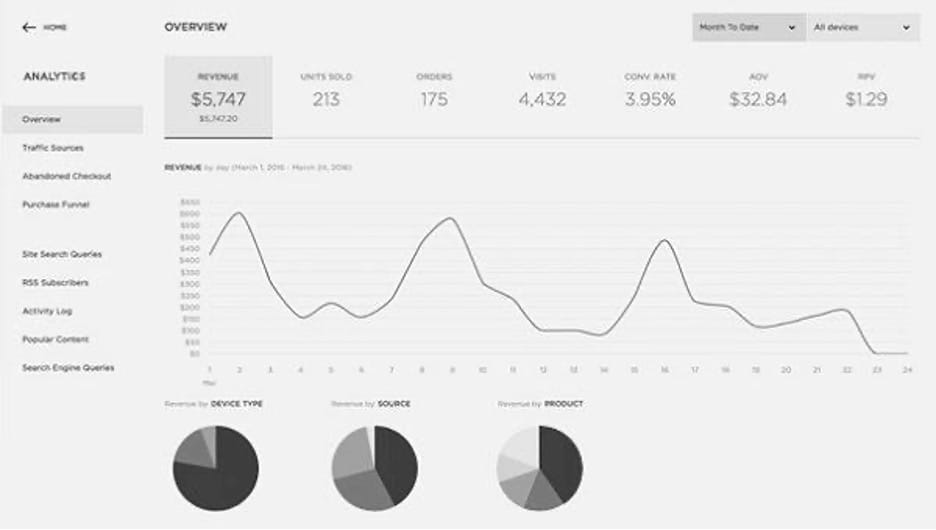
Analytics can show you how many people visit your site, where they come from and which pages they view. Some builders provide their own reporting dashboards, while others integrate with Google Analytics 4. Wix, Squarespace, Bluehost and GoDaddy are among the platforms that support GA4 integration.
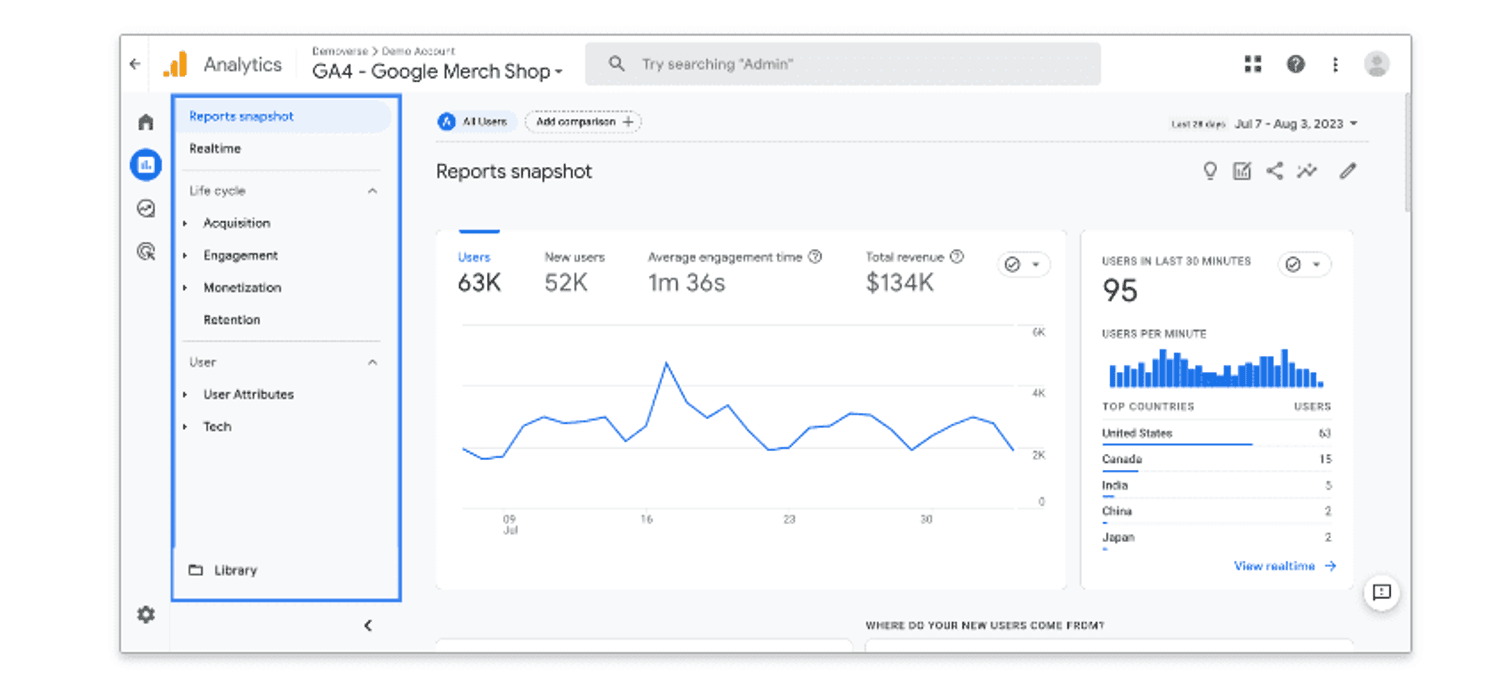
Website builders can integrate with analytics platforms such as Google Analytics 4 to help businesses track website traffic, engagement and other performance metrics. Source: Bluehost
Integrations
Consider how well a website builder works with the other software your business already uses. Depending on the platform, integrations may connect your website with many of the best email marketing software and best CRM software systems, appointment scheduling tools, accounting software, social media platforms and other business applications
Some website builders have large app marketplaces, while others stick mostly to built-in tools and a smaller selection of third-party integrations. If there’s an integration your business can’t do without, make sure the platform supports it before you sign up.
Web Hosting and Performance
Many website builders include web hosting with your subscription, while WordPress-focused providers often bundle hosting with their website-building tools. But don’t stop at whether hosting is included. Look at the features that can affect your site’s speed and reliability too.
A content delivery network (CDN), caching, backups, security protections and sufficient bandwidth can all be valuable. Businesses expecting significant traffic should also check for traffic or resource limits and what happens if they exceed them.
Storage and Bandwidth
Consider how much content your website will need to hold. A simple service-business website with a few pages and images won’t require the same resources as a large online store, photography portfolio or site filled with video.
Compare storage and bandwidth limits among plans, particularly if your site will contain a lot of high-resolution images or other media. If you intend to build more than one website, also check how many sites your subscription allows.
Professional Services
A DIY website builder doesn’t necessarily mean you have to do everything yourself. Some providers also have professional website design, development, SEO or marketing services for an additional fee. This can be useful if you’re comfortable handling everyday updates but need help with more complicated work.
Madjeen Lorthe, founder of Transitions Well Done, took this hybrid approach. “A lot of the things [my web designer] did were also customized further with CSS, which I don’t have the technical knowledge about,” she told us.