Business.com aims to help business owners make informed decisions to support and grow their companies. We research and recommend products and services suitable for various business types, investing thousands of hours each year in this process.
As a business, we need to generate revenue to sustain our content. We have financial relationships with some companies we cover, earning commissions when readers purchase from our partners or share information about their needs. These relationships do not dictate our advice and recommendations. Our editorial team independently evaluates and recommends products and services based on their research and expertise. Learn more about our process and partners here.
Learn which documents you should include (and not include) in your employee personnel files.


As an employer, you’re required by federal and state laws to collect certain employee information, from tax forms to job-related documentation, while also limiting who can access that data and how it’s stored. Although managing personnel files can feel like a routine administrative task, those records often contain highly sensitive information, and mistakes can carry real consequences.
Searching for HR software and not sure where to start? Tell us a little more about your business and get customized quotes from qualified providers.
Beyond HR compliance issues and employee disputes, poor data-handling practices can expose businesses to serious security risks. According to IBM’s 2025 Cost of a Data Breach Report, the average data breach now costs organizations $4.4 million, showing just how important it is to handle employee records securely and intentionally. To avoid legal trouble, financial penalties and damage to employee trust, it’s essential to understand what belongs in a personnel file, what should be stored separately and how employee information should be managed.
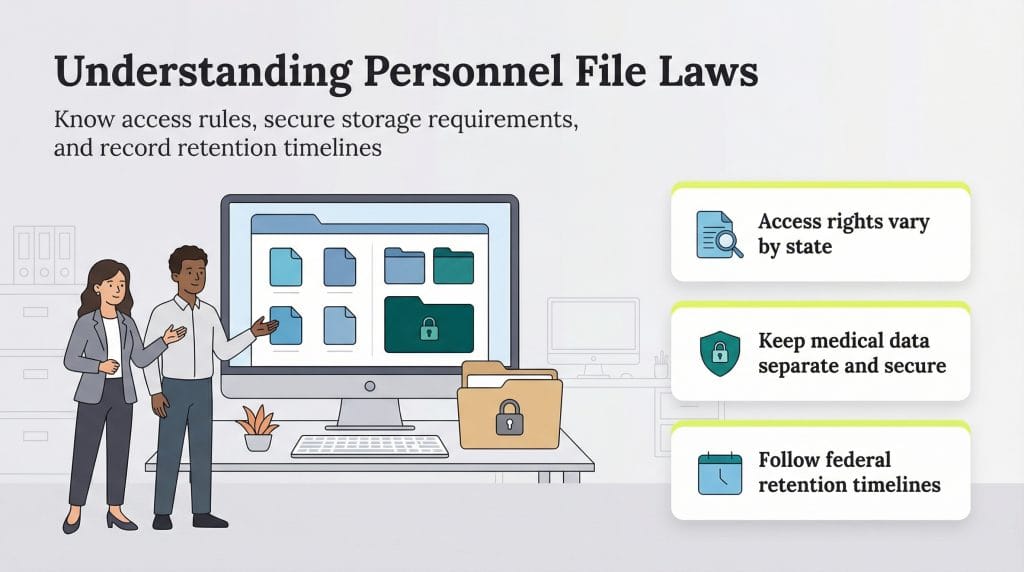
An employee personnel file is a centralized record of documents related to a specific worker. It includes information that employers are legally required to maintain, as well as other records that support day-to-day management and compliance.
Damien Weinstein, a partner at Weinstein & Klein PC, explained that personnel files should tell a clear, cohesive story about an employee’s role and performance within the organization. “You should be able to read a personnel file and have a pretty accurate view into who the employee is, what they do at the company and how they are performing,” Weinstein explained.
For years, many employers kept personnel files in locked filing cabinets. Physical storage can still work when it’s done carefully, but it leaves records vulnerable to things like fire, water damage or unauthorized access. Today, many businesses rely on the best HR software to store employee records securely in the cloud, where files benefit from cloud encryption and can be backed up and accessed only by authorized users.
How long you keep personnel records matters just as much as how you store them. Federal and state laws set minimum retention requirements for certain documents. For example, the Fair Labor Standards Act (FLSA) requires employers to keep payroll records for at least three years. Other records, such as tax and hiring documents, are governed by different timelines depending on the law that applies. Because these requirements can overlap (and employment-related claims may arise years after the fact), many HR professionals follow a conservative best practice of retaining general personnel records for at least seven years after an employee leaves the company.
Even when formal audits aren’t legally required, it’s smart to review personnel files on a regular basis. An annual check can help ensure records are accurate, complete and stored appropriately and can surface issues before they turn into compliance problems or employee disputes.
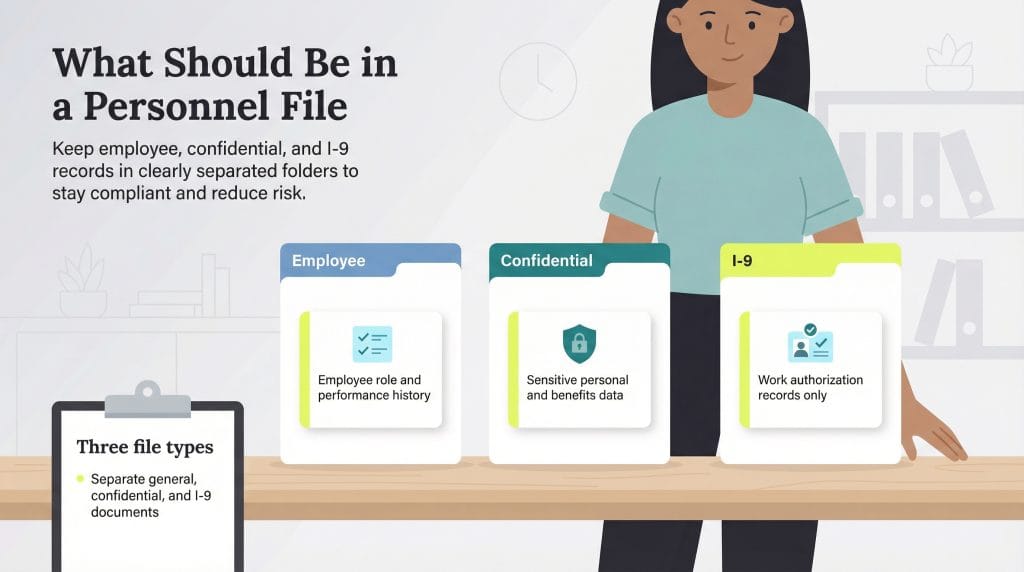
Personnel files can contain a wide range of employee information, but not all documents should be stored together. Some records are routine and job-related, while others are highly sensitive and subject to stricter access rules.
To keep information organized and reduce risk, Nicole Anderson, founder and CEO of the HR solutions firm MEND, recommends separating employee records into three distinct files: an employee file, a confidential file and a separate I-9 file.
The employee file should contain documents related to an employee’s role, performance and day-to-day employment history. According to Anderson, this general file typically includes:
The confidential file should be reserved for highly sensitive employee information and stored separately from general personnel records. Access to this file should be tightly restricted and limited to designated individuals who need the information for compliance or administrative purposes.
As Anderson explained, a confidential file typically includes documents such as:
Form I-9 is used to verify an employee’s identity and authorization to work in the United States. Employers must use the current edition of Form I-9 issued by U.S. Citizenship and Immigration Services and store it separately from general personnel records.
Under changes introduced in 2023, certain employers enrolled in E-Verify and in good standing may use an approved alternative procedure to examine I-9 documents remotely. With this option, employers can review documents during a live video call rather than meeting in person, as long as they follow all required steps. Employers that aren’t enrolled in E-Verify must continue using the standard, in-person review process.
Because Form I-9 is subject to inspection by U.S. Immigration and Customs Enforcement, keeping I-9s organized and readily accessible is important. Maintaining a dedicated I-9 file can help reduce disruption during a Form I-9 audit and limit the risk of fines tied to missing or improperly completed forms.
Including the wrong documents in a personnel file can create legal and privacy risks. As a general rule, any information that is highly sensitive, unrelated to job performance or protected by privacy laws should not be stored in an employee’s general personnel file.
Access to employee personnel files should be limited to a small group of designated individuals. In most organizations, that includes key HR staff and select C-suite executives, such as a business owner or chief operating officer, who need the information to manage compliance, employment decisions or legal obligations.
Weinstein emphasized that access decisions should be guided by confidentiality obligations rather than job titles alone. “Key personnel who are contractually and legally obligated to maintain confidentiality [should have access],” Weinstein explained. “This could be a business owner and COO, head of HR, etc. The point is that this contains personal, private and sensitive information and isn’t meant to be readily available to anyone in the company.”
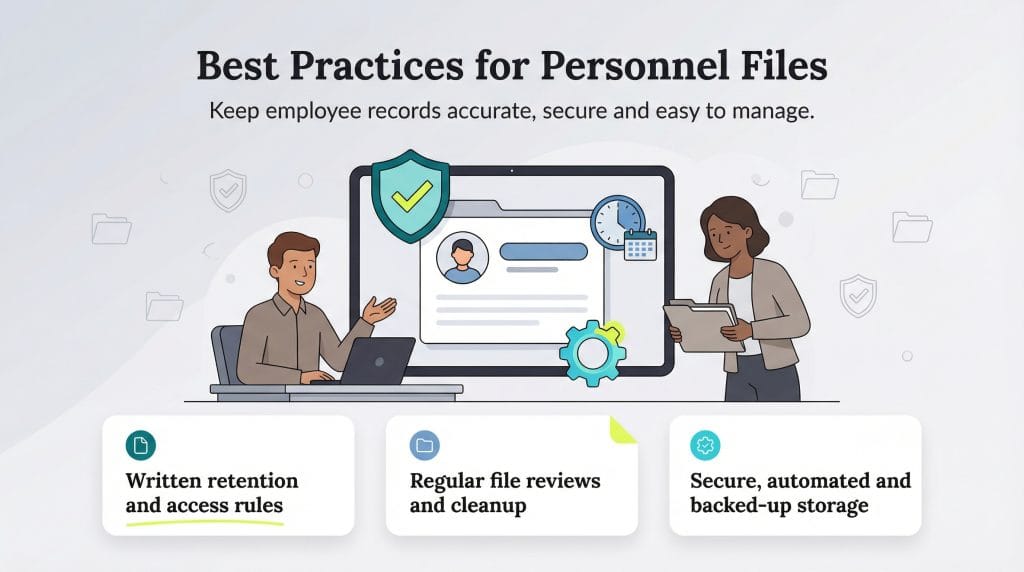
Managing employee personnel files involves more than storing paperwork. When records aren’t handled carefully, small oversights can turn into compliance issues, privacy concerns or employee disputes. The following data management best practices can help you keep personnel files accurate, secure and well managed.
Laws governing personnel files vary by state and at the federal level, but most requirements fall into a few key categories. Understanding how these rules work together can help you stay compliant and avoid common missteps. Consider the following:
Source interviews were conducted for a previous version of this article.